12
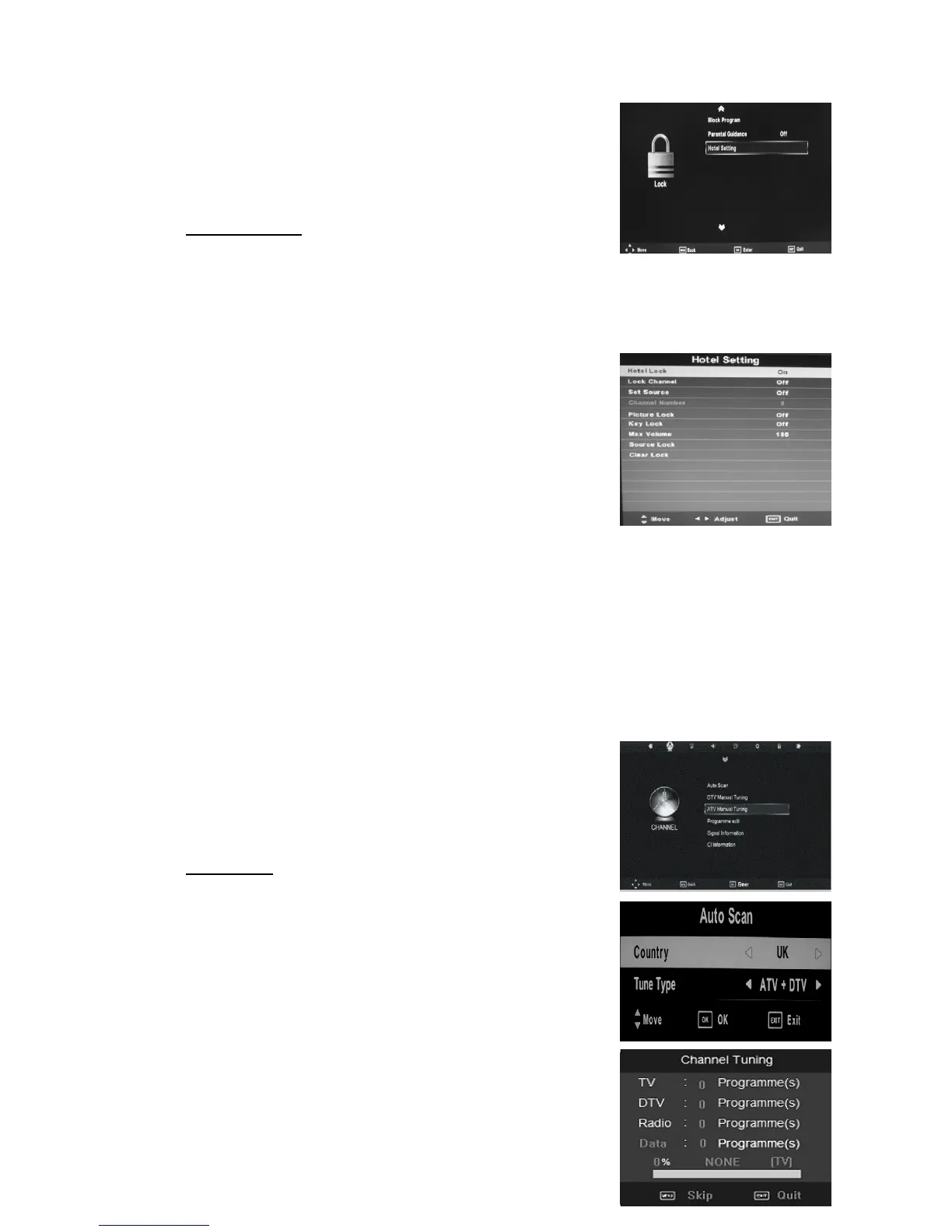
3.Press “/” button to select “Block Program” and press the “ENTER” button to enter.
4.Press “/” button to select “Parental Guidance” and
press the “ENTER” button to enter sub-menu to select.
(Available options : Off, 4-18)
5.Hotel setting
Press “/” button to select “hotel setting” and press the “” button or “ENTER”
button to enter to Hotel Mode .
The default password is “0000”. The administrator password is “8899”
a ) Press “/” button to select “Hotel Lock” and press
the “/” button to open or close lock function .
b ) Press “/” button to select “Lock Channel” and
press the “/” button to open or close the lock channel
function .
c ) Press “/” button to select “Set Source” and press
the “/” button to select source which you desire.
d ) Press “/” button to select “Channel Number” and
press the “/” button to select channel which you desire.
e ) Press “/” button to select “Picture Lock” and press the “/” button to open or
close the picture lock function .
f ) Press “/” button to select “Key Lock” and press the “/” button to open or close
the key lock function .
g ) Press “/” button to select “Max Volume” and press the “/” button to select the
max volume .
h ) Press “/” button to select “Source Lock” and press the “ENTER” button to
enter .Press
“/” button to choice you want to turn on or turn off the
signal source.
j ) Press “/” button to select “Clear Lock” and press
“ENTER” button to return to factory settings.
CHANNEL
Press the “MENU” button to enter the OSD menu. Then
press “/” button to select the “CHANNEL” menu.
1. Press “/” button to select “Auto Tuning” and press
the “ENTER” button to do auto search. Press “MENU”
button to return the previous menu. Press “EXIT”
button to exit.
2. Press “
/(/” button to select the Country.



 To Next Page