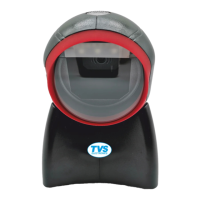
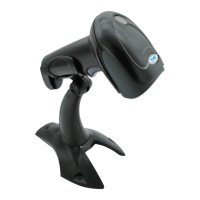
Handheld Laser Barcode Scanner - BS-L100 Plus
3
Factory Defaults Scanning
The following barcode can restore the engine to the factory defaults.
You may need to reset your engine when:
1. engine is not properly configured so that it fails to decode barcodes
2. you forget previous configuration and want to avoid its impact
3. functions that are rarely used have been enabled for the time being.
000B0
Factory Default
Chapter 2 Scan Mode
Manual Mode
Manual Mode (default): A trigger pull activates a decode session. The decode
session continues until the barcode is decoded or the trigger is released or the decode
session timeout expires.
013300
Manual
Continuous Mode:
A trigger press activates the engine to scan and decode
at user-specified intervals, i.e. the timeout between decodes. Each decode session lasts until
barcode is decoded or the decode session timeout expires. To suspend/resume the operation,
simply press the trigger. By default, the engine rereads same barcode with no delay.
013304 Continuous


 To Next Page