Handheld Laser Barcode Scanner - BS-L100 Plus
8
USB-COM
Chapter 7 Data Formatting
Introduction
After a successful barcode read, a string containing numbers, letters or symbols will be returned.
In real applications, barcode data may be found insufficient for your needs. You may wish to
include additional information such as barcode type, data acquisition time or delimiter in data
being scanned. Adding extra information to printed barcodes does not seem like a sensible
solution since that will increase the barcode size and make them inflexible. Instead, we come up
with the idea of appending prefix and suffix to the data without making any change to barcodes.
We will show you how to conduct the configuration in the following sections.
Note: Customized data:< Prefix><Data><Suffix>< Terminating Character>
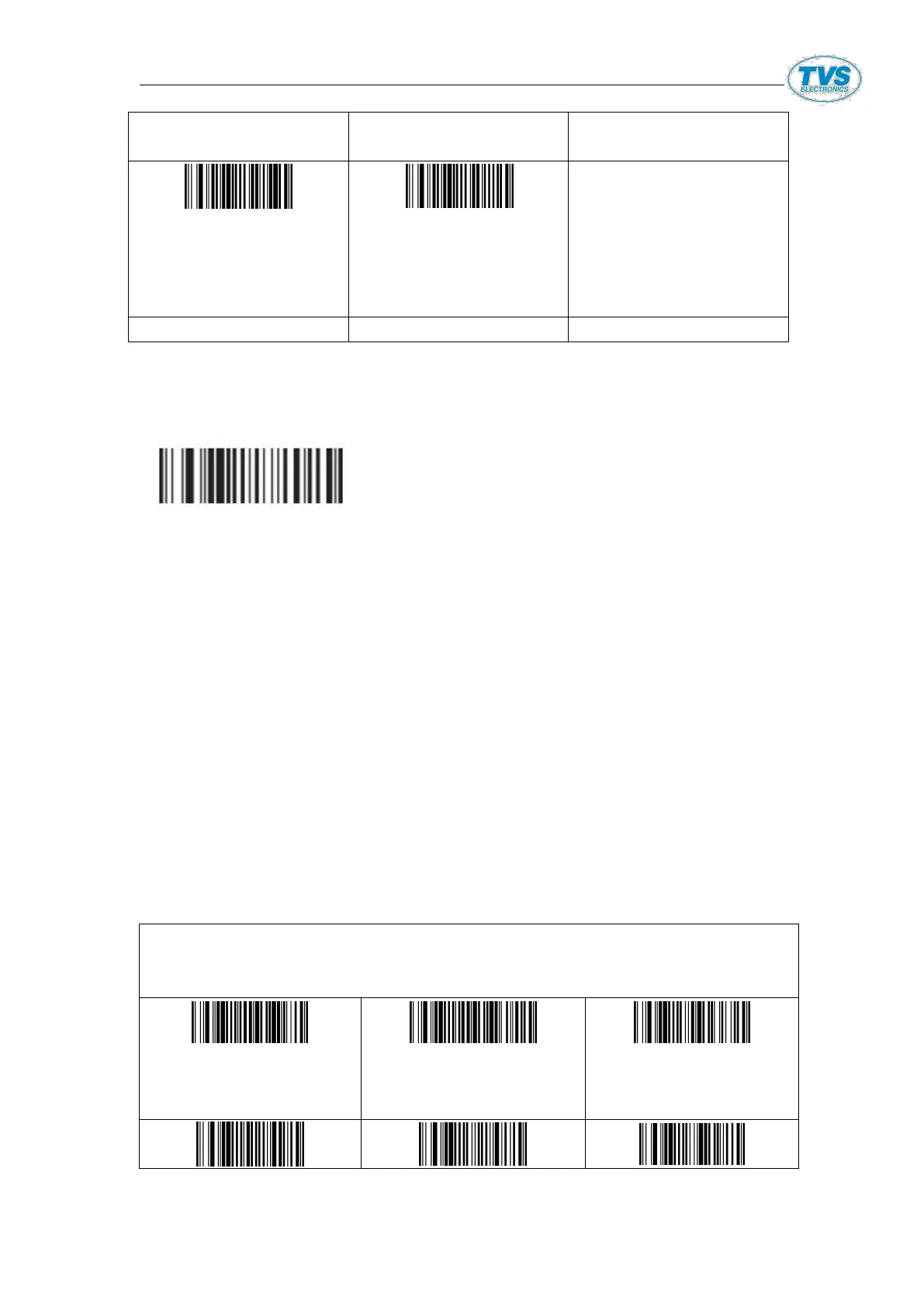
Prefix &Suffix Setting:
0211@[ETX]
All barcodes(rear)
add ETX


 To Next Page