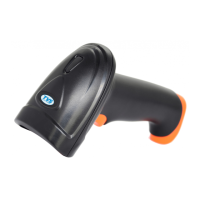
Handheld Laser Barcode Scanner - BS-L100 Plus
9
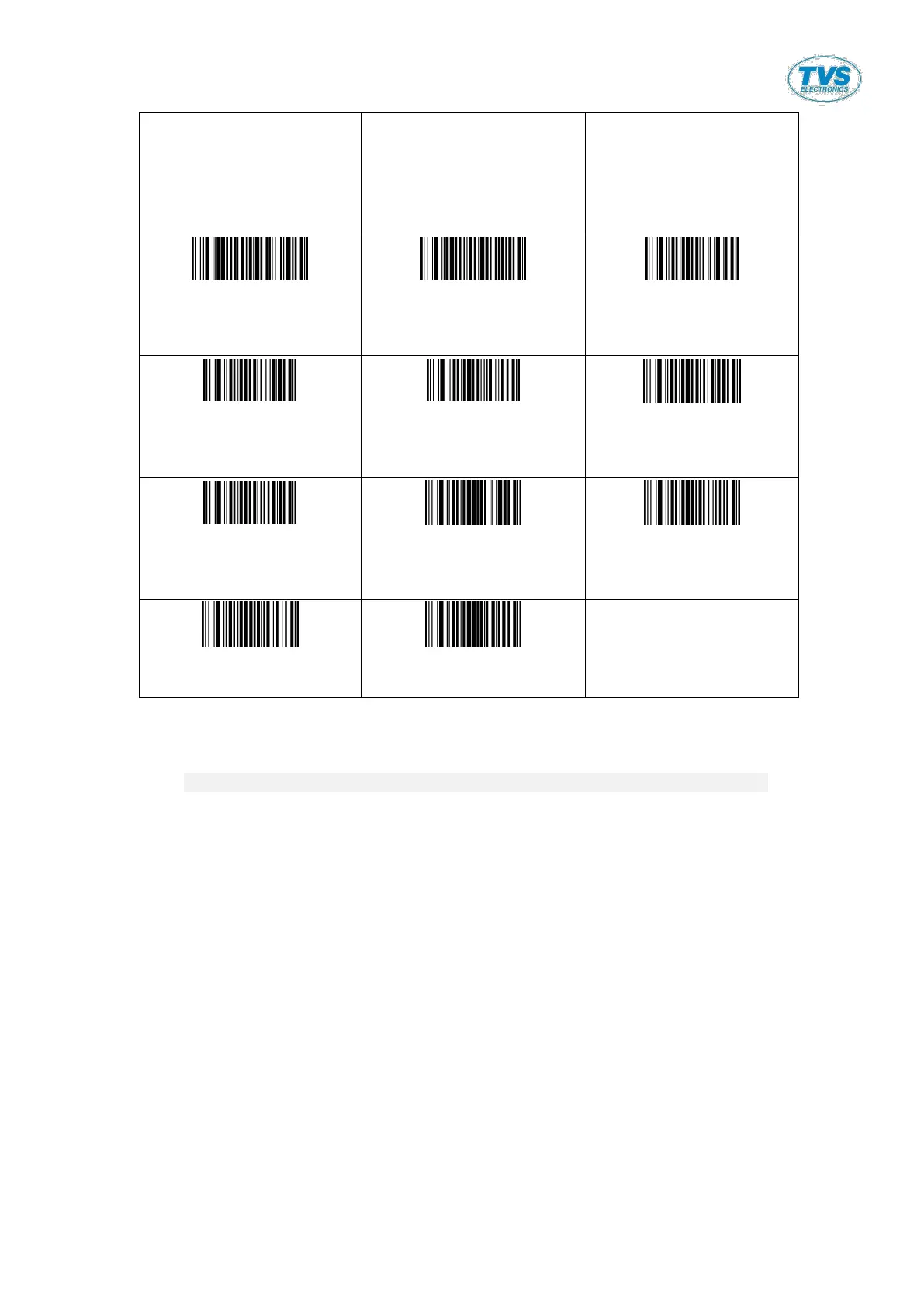
02160081
All barcodes(front)
addF2
02110081
All barcodes(rear)
addF2
0210@
Cancel all
barcodes(rear)
format character
0217@[STX]
Add STX before
barcodes
0215@
Cancel all boots
before barcodes
02242
Exit add pre/suffix
Mode
02340
Exit Hide Prefix Mode
02341
Exit Hid Suffix Mode
02342
Exit Hide Middle Mode
Note
:
1,SUC/SWK/SUG all setting code are code128
,
when it is barcode
Prefix ^3 will be set
,
such as ^3+******(required code)
:
2,The Ascll code of this table is decimal, and the hexadecimal system is referenced in schedule 2
Prefix & Suffix Setup Instruction
1.The prefix and suffix is divided into shared prefix-suffix and
private prefix-suffix
;
SUCR SUC0 SUC2 SUGR could add max 32 characters;
SWK could add max 16 characters.
2.Shared Prefix-suffix
:
Two Methods to prefix-suffix
:
[1]. To scan one code to add
,
setup code 0223X
(
Prefix
)、
0221X
(
Suffix
)
0223, 0221stand for one-time adding shared prefix-suffix X
stand for added characters
,
X is binary
,
for example, to add
shared prefix-suffix A, setup code is 0221A
,
which show all
code add suffix A, to input the following content in the
software
:


 To Next Page