3.8 Setting Paper Thickness
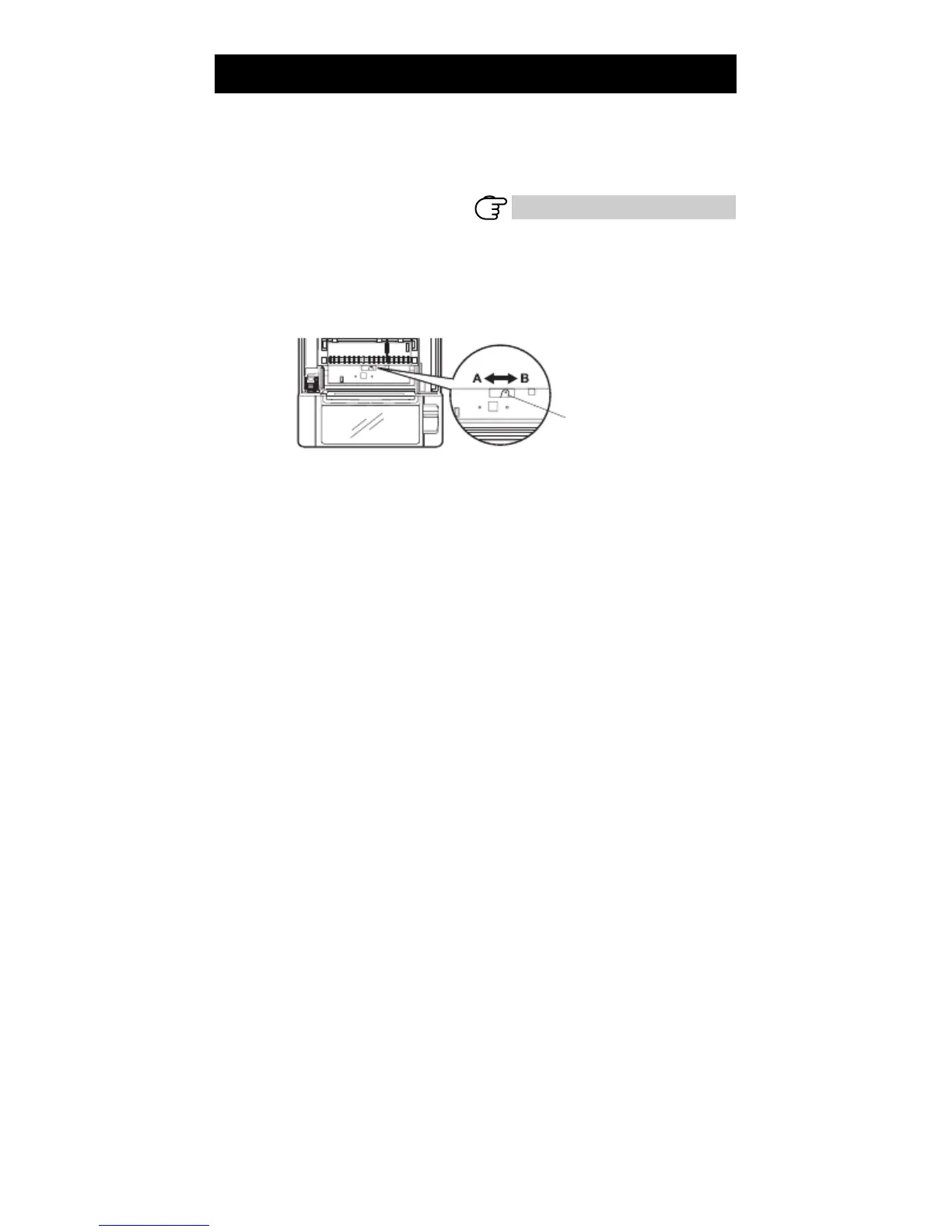
Set the paper thickness selection lever to the thickness of the paper. (Thick
paper can only be used with the label-printing model)
To get the best print quality, do not change the factory settings unless printing
on thick paper or there is a problem with the print density.
Refer to 1.3 Model Classification
1.
2.
3.
4.
Turn off the power.
Press the cover open lever.
Open the paper cover.
Set the paper thickness selection lever to A for thick paper or B for regular paper.
Gently press on the side of the lever with a pointed object, such as a pen, to
move the paper thickness selection lever.
Paper thickness
selection lever
A: Thick paper 85 ⎧m - 150 ⎧m
B: Regular paper 65 ⎧m - 85 ⎧m (Factory setting)
— 24 —



 To Next Page