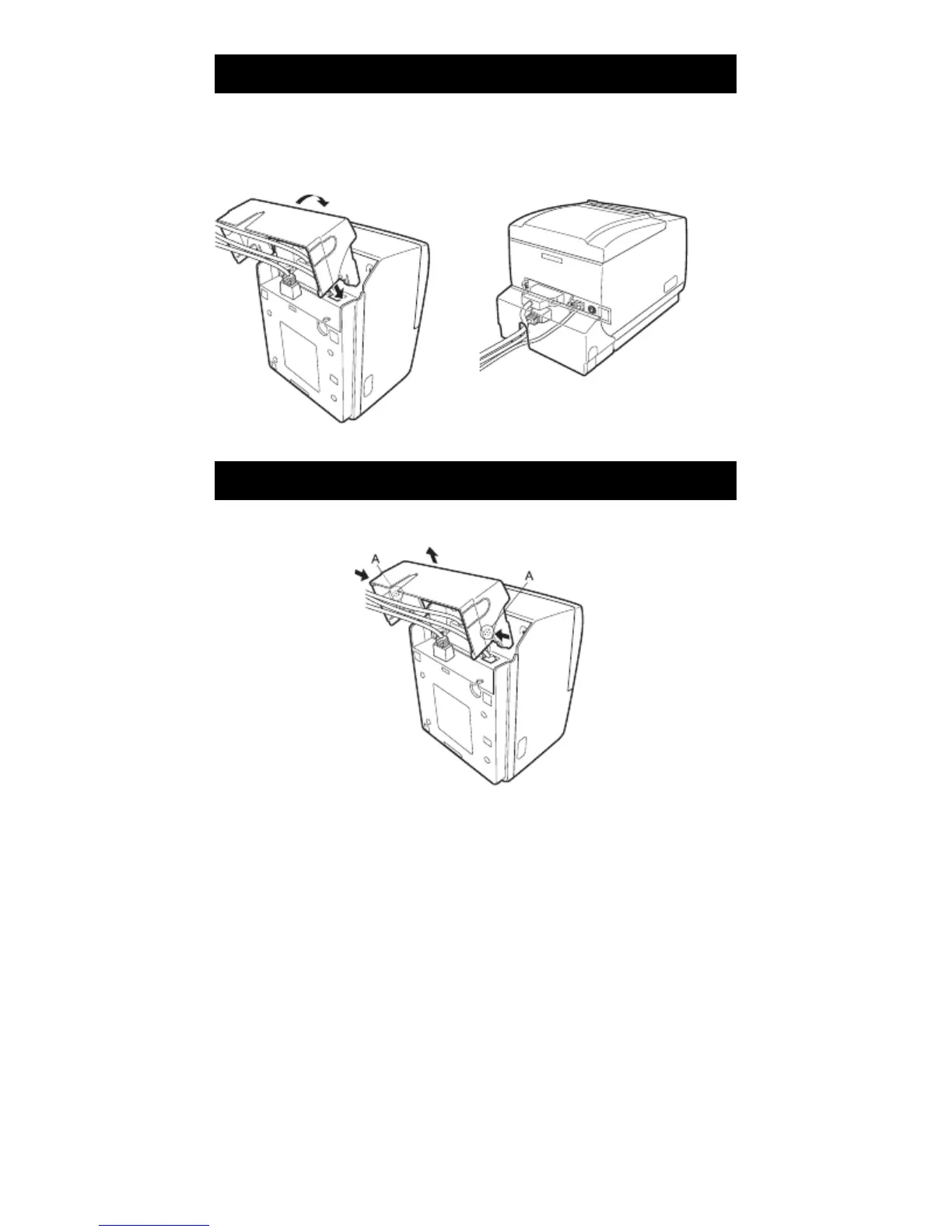
3.11 Attaching the Interface Cover
Attach the interface cover to the back of the printer.
The shape of the interface cover is different depending on the type of power
source.
1. Press the interface cover as shown in the diagram until you hear it click.
RP-3200
3.12 Removing the Interface Cover
Press in on both sides at the point indicated by A to remove the interface cover.
RP-3200
— 27 —



 To Next Page