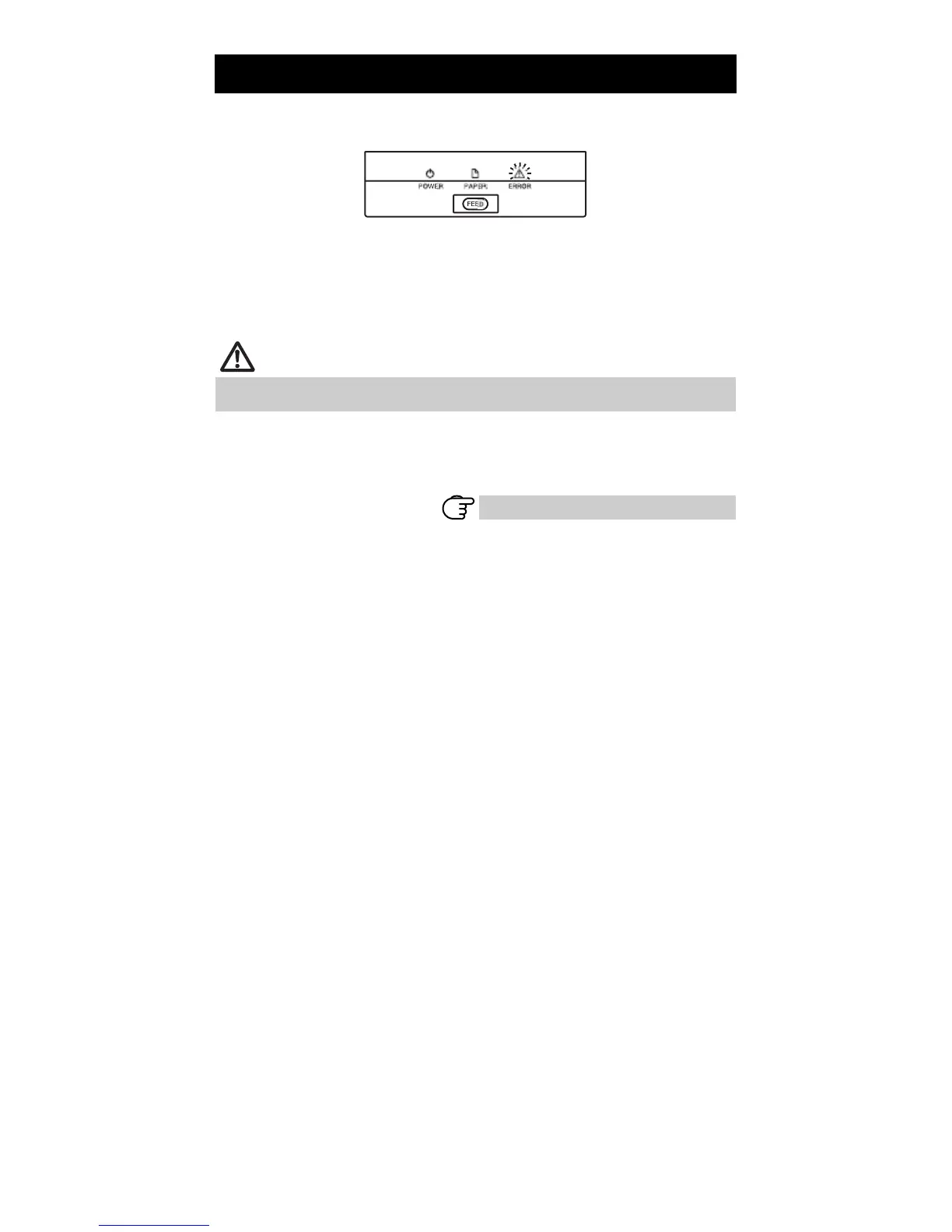
4.2 Clearing a Cutter Lock (1)
The ERROR LED flashes and the auto cutter blade remains extended because a
foreign object or paper jam is obstructing it.
If the ERROR LED is flashing, clear the locked cutter as shown below.
1.
2.
3.
4.
Press the cover open lever while the power is on.
Open the paper cover.
Remove any jammed paper including any scraps of paper. (Remove the paper roll
that is loaded in the holder also.)
Reload the paper roll and close the paper cover.
CAUTION
The print head is hot immediately after printing. Do not touch it.
Do not touch the print head with bare hands or metal objects.
If the paper cover does not open, the auto cutter blade is still extended (cutter
lock).
Refer to 4.3 Clearing a Cutter Lock (2)
— 29 —



 To Next Page