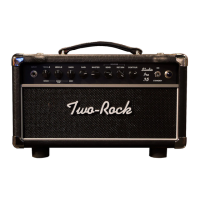
Front Panel Functions
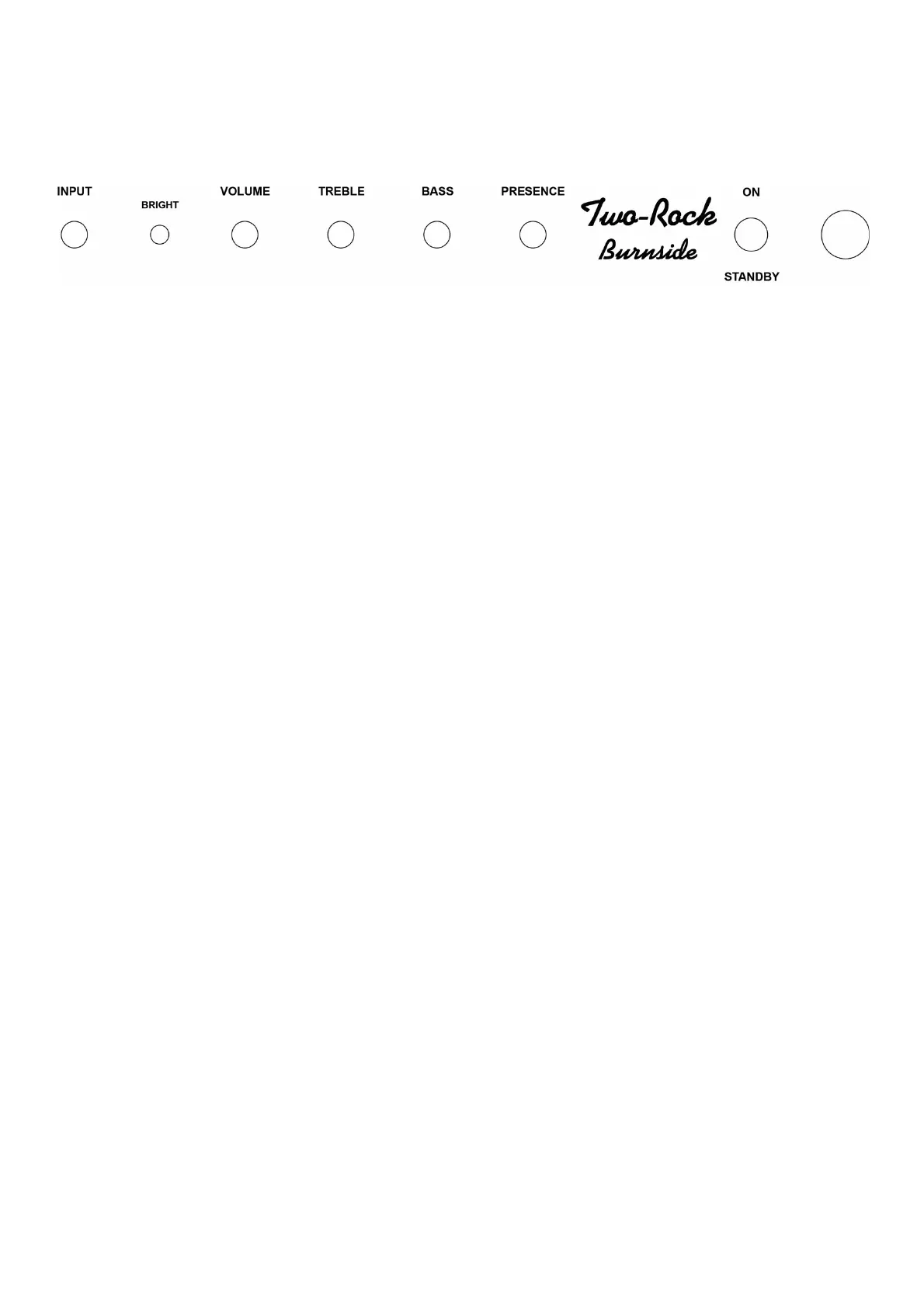
INPUT JACK - High impedance input to the amplifier. Plug in your instrument here.
BRIGHT Switch - Boosts the high frequency response. This is most effective when the
Volume control is set at 12 o’clock or lower. This is great for adding sparkle to clean tones.
The effect is less dramatic as the Volume control is adjusted past the 12 o’clock position.
VOLUME - Very responsive single volume control provides natural tube compression at any
volume setting. As this control is turned up, it pushes the amp into beautiful natural tube sustain
and breakup which can then be cleaned up by backing off your guitar’s volume control and or your
pick/finger attack.
TREBLE - Adjusts the high frequency response. In the full counter-clockwise position, high
frequencies are bypassed to ground. In the full clockwise position, high frequencies are allowed to
pass to the next gain stage. This control is very interactive with the BASS control
BASS - Adjusts the bass response. In the full counter-clockwise position, low frequencies are cut.
In addition, the response of the treble control is greatly reduced. This control is very interactive
with the TREBLE control. In the full clockwise position, low frequencies are allowed to pass to the
next gain stage.
PRESENCE - Adjusts the contour of the high-frequency response. Turning this control up
gradually increases the intensity of the upper frequencies. This is a subtle control which can be
used to either emphasize sparkle and brightness when needed or smooth out your overall tone by
turning the control down.
STANDBY - This switch should be in the down/STANDBY position before you place the Power
switch to the up/ON position. After 20 seconds or more, place the Standby switch in the “up”
position to play the amplifier. When you are taking a break from playing the amp you can leave the
amp “powered up” and simply switch to the “stand-by” position to mute the output of the amplifier
and prolong power tube life.
INDICATOR LAMP - This lamp will illuminate when the power switch is in the “up” position,
indicating the unit is receiving A/C power.



 To Next Page