http://www.tyan.com
31
2.7 Installing the Memory
Before installing memory, ensure that the memory you have is compatible
with the motherboard and processor. Check the TYAN Web site at
http://www.tyan.com for details of the type of memory recommended for
your motherboard.
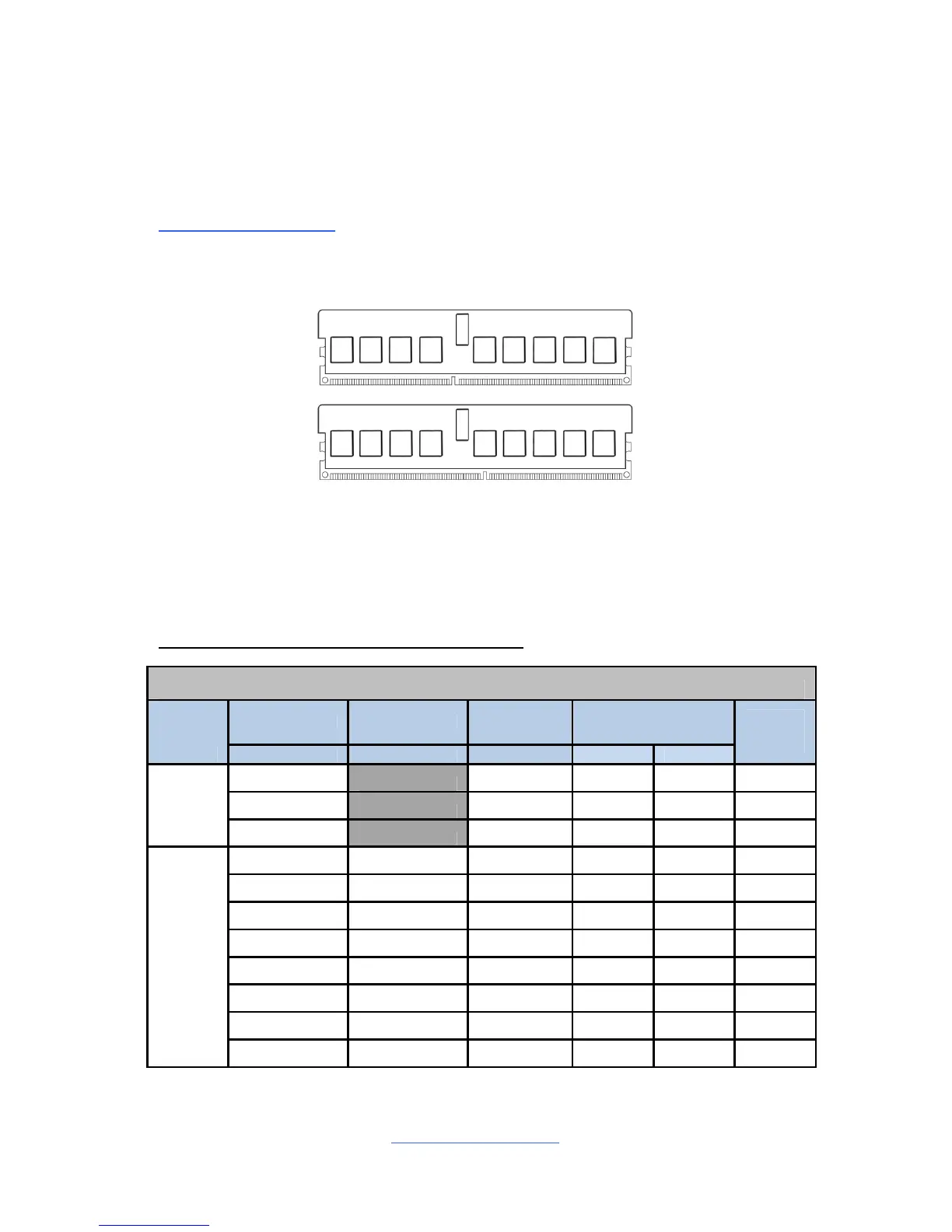
The following diagram shows common types of DDR3 memory modules.
Supports R-DIMM, U-DIMM and Low Voltage (LV) DDR3, at 800,1066
or 1333MHz speeds
All installed memory will automatically be detected and no jumpers or
settings need changing
All memory must be of the same type and density
Recommended Memory Population Table
Table-1: Per channel populations options for S8010
DIMM0 DIMM1 DIMM2 Max Memory Speed
A0,B0, A1,B1, A2,B2, 1.5V 1.35V
Max
Capacity
/Channel
Empty SR or DR 1333MHz 1333MHz 4GB
SR SR 1333MHz 1333MHz 4GB
U-DIMM
SR or DR DR 1066MHz 1066MHz 8GB
Empty Empty SR or DR 1333MHz 1333MHz 8GB
SR Empty SR 1333MHz 1333MHz 8GB
SR SR SR 1066MHz 800MHz 12GB
SR or DR Empty DR 800MHz 800MHz 16GB
Empty QR Empty 800MHz 800MHz 16GB
SR or DR SR or DR DR 800MHz 800MHz 24GB
Empty QR SR or DR 800MHz 667MHz 24GB
R-DIMM
SR or DR QR SR or DR 667MHz 667MHz 32GB



 To Next Page