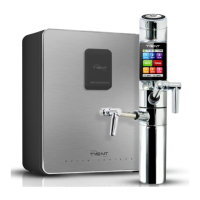
Under Counter Extreme
30
31
Unit usage
Operation Touch Screen
00:15
CAUTION: Touch Screen Use
Message Display
4
1.
2.
3.
4.
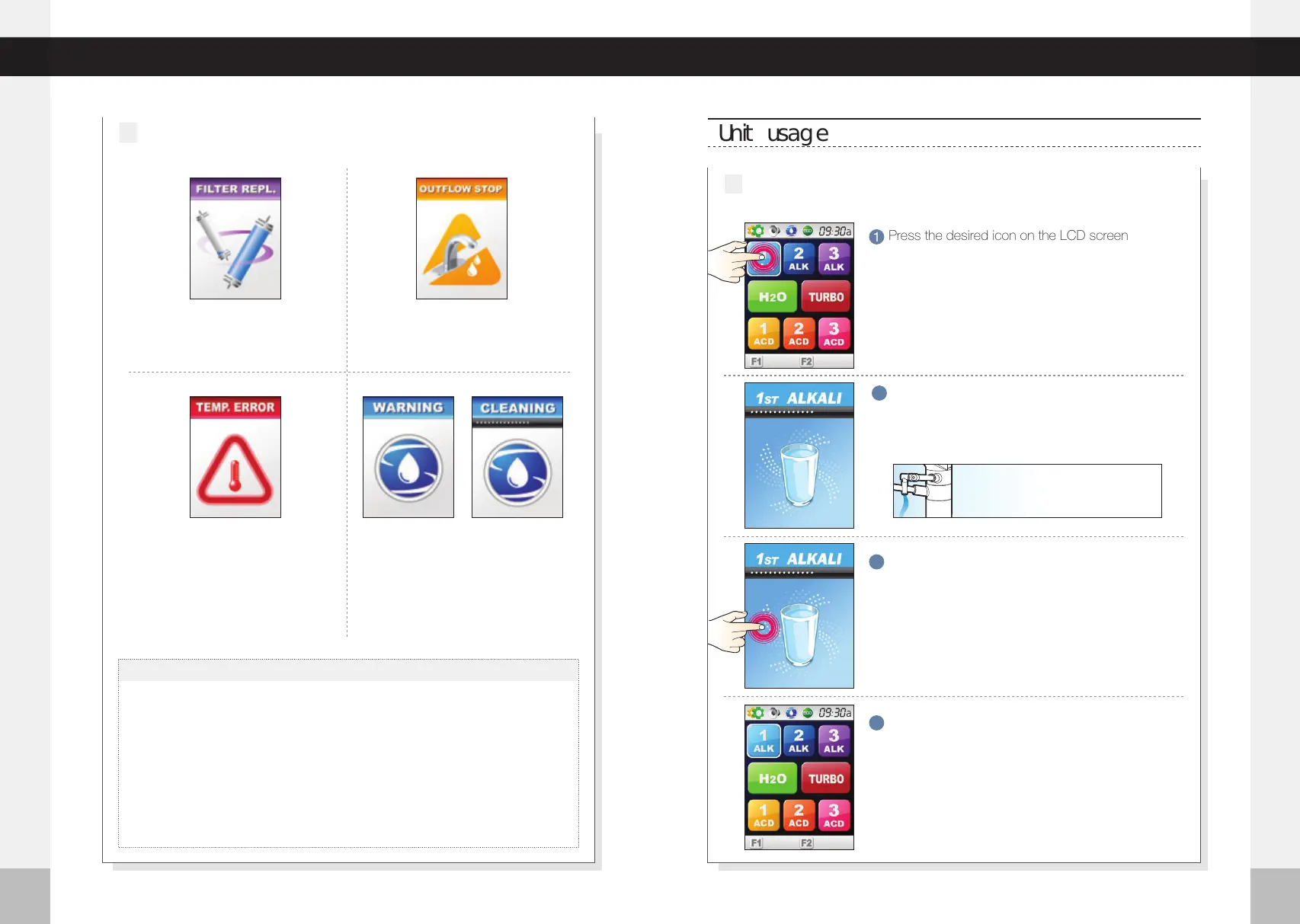
When the screen above appears (or
pops up), the filter needs to be replaced.
When the inflow water is higher than
95 °F (35 °C), this screen will pop up.
The unit will stop the outflow automati-
cally.
Due to the uniqueness of the TOUCH Screen, TOUCH is not recognized if pushed by
more than one finger. Please push with only one finger and be careful of contamination
to the screen that may cause damage to the TOUCH.
Be careful of electrostatic materials near the TOUCH Screen. Stimulation from such
materials may cause damage to the TOUCH.
The screen may not be seen well under direct sunlight.
Do not push the Screen hard with sharp or pointy objects.
This display means that the water outflow
has been stopped prior because of the
suspension of water supplied to the unit.
15:00
14:39
Press the desired icon on the LCD screen
1
The water outflow will start, and the screen will
display the current level and stop time.
2
Press the screen to stop the flow of water.
3
When done, the screen will move to the last icon
that was used and go into stand-by mode.
4
When using the TOUCH Screen
1
%
50
%
50
%
50
%
50
This warning message
will appear when the
unit reaches the auto-
matic cleaning time.
This cleaning message
will appear when the
unit is being cleaned,
which will happen auto
-matically. You can also
clean the unit manually
if desired or needed.
The water level you choose will be
dispensed through the upper water
outlet tube.



 To Next Page