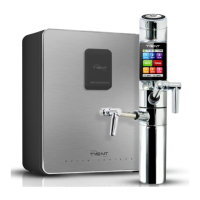
Under Counter Extreme
38
39
System Setup Method
System Setup Method
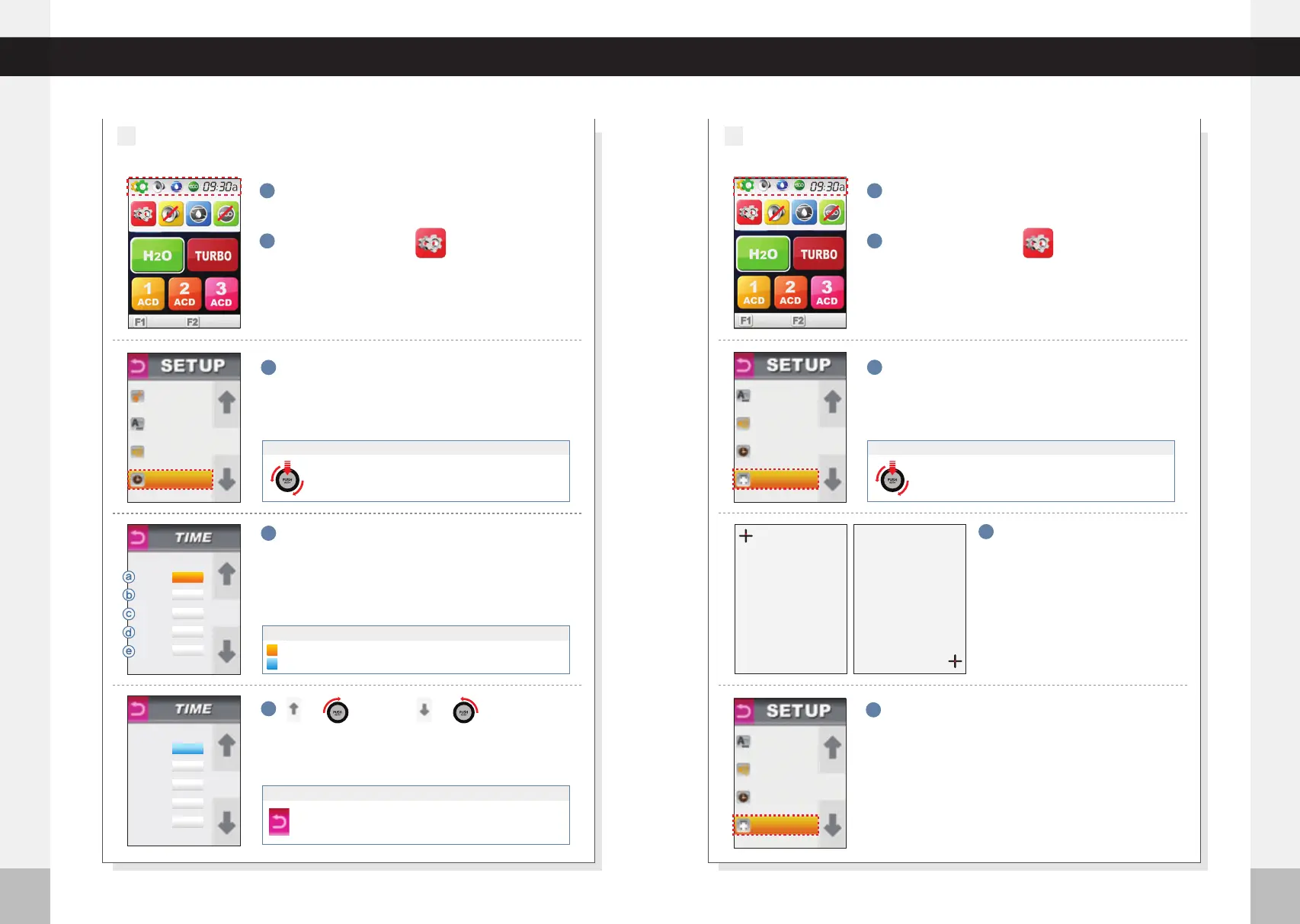
Press the top left corner of screen. MENU options
will fall below upper part of the screen.
Press the top left corner of screen. MENU options
will fall below upper part of the screen.
※Do not press with sharp or
pointy objects.
3
Press“TIME”
4
5
Adjustment time and date with the arrows :
: for up
Year
Day
Minute
Month
Hour
ⓑ
ⓓ
ⓐ
ⓒ
ⓔ
Time set up is complete.
1
Press the setup icon.
2
1
Press the setup icon.
2
Each time a crosshair appears on
the screen, touch the center of it
with your finger to complete
calibration.
Setting the TIME
5
TOUCH
6
3
Press“TOUCH”
4
5
Once calibration is complete, the display will move
to the setting mode automatically.
◀
J
O
G
D
I
A
L
▶
◀
J
O
G
D
I
A
L
▶
◀
J
O
G
D
I
A
L
▶
◀
J
O
G
D
I
A
L
▶
◀
J
O
G
D
I
A
L
▶
◀
J
O
G
D
I
A
L
▶
or
: for down
or
Turn the Jog Dial clockwise (or counter- clockwise) to
select “TIME”. Press the PUSH On/Off button of the jog
dial to make your selection.
When using the Jog Dial
◀
J
O
G
D
I
A
L
▶
◀
J
O
G
D
I
A
L
▶
◀
J
O
G
D
I
A
L
▶
Turn the Jog Dial clockwise (or counter- clockwise) to
select “TOUCH”. Press the PUSH On/Off button of the
jog dial to make your selection.
When using the Jog Dial
◀
J
O
G
D
I
A
L
▶
◀
J
O
G
D
I
A
L
▶
◀
J
O
G
D
I
A
L
▶
Push RETURN icon for previous menu screen. Voice says :“Applied”
Push RETURN icon again to complete set up.
Voice says :“Set up was completed”
If UP/DOWN Icon is pushed, digital number moves by one step.
Backcolor
Orange highlight shows current position on menu.
A blue highlight means that changes to that setting are possible.
Year
Month
Day
Hour
Min
ACIDIC pH
LANGUAGE
VOLUME
TIME
LANGUAGE
VOLUME
TIME
TOUCH
LANGUAGE
VOLUME
TIME
TOUCH
Year
Month
Day
Hour
Min
2023
10
23
18
30
2023
10
23
18
30
%
50
%
50
%
50
%
50
Runtime calibration.
please touch the screen
at the center of the ring.
(Upper left position)
Press here
(lower right position)
Press here



 To Next Page