1. Press to turn on the meter when the meter is o.
2. Press to view previous results.
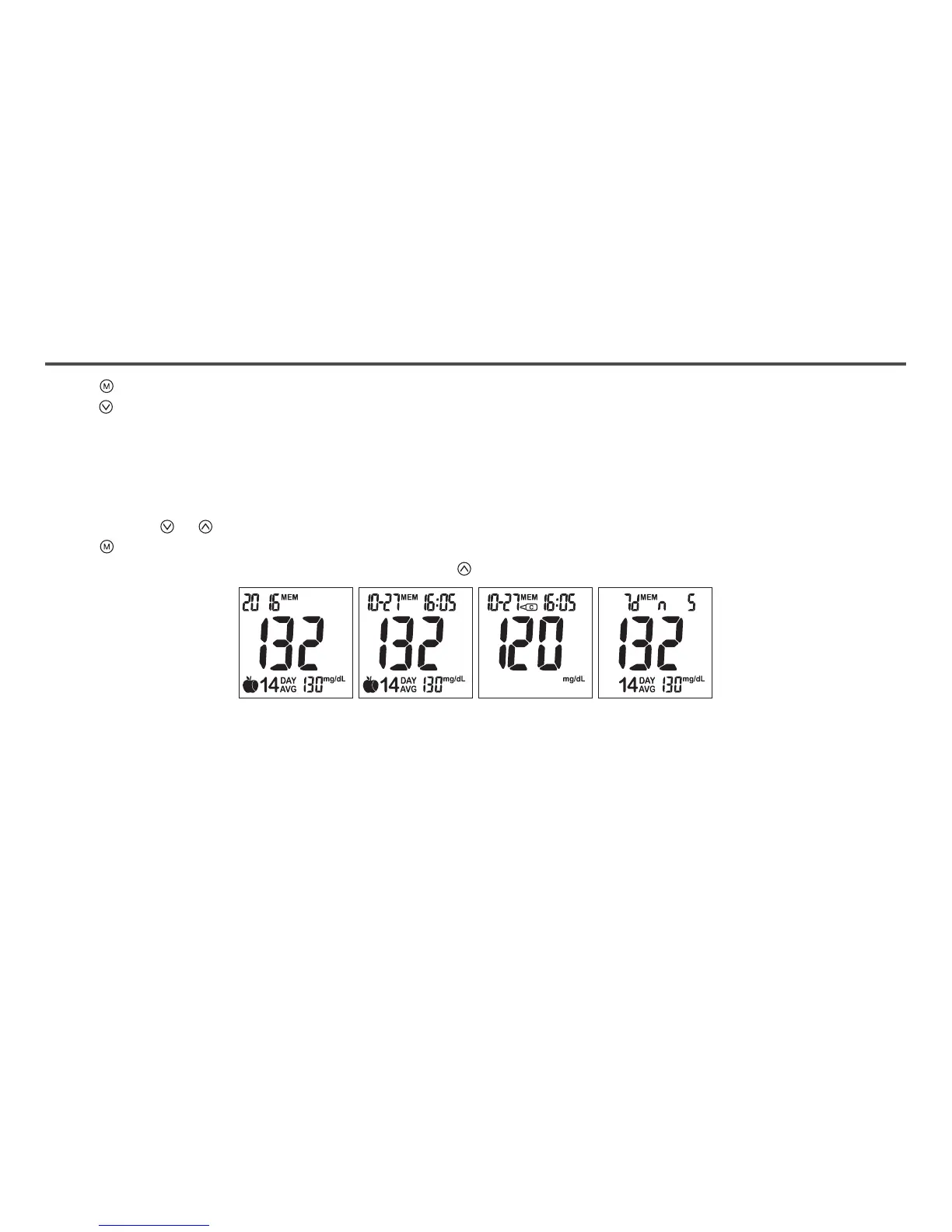
˙“ MEM” icon will be displayed on the top center area.
˙“ Year” will be display on the top left corner (Fig.46).
˙After 1 second “Month-Day” will then be displayed on the top left corner.
˙“ Time” will be displayed on the top right corner (Fig.47).
˙The most recent memory results will be displayed rst.
3. You can press or to scroll forwards and backwards.
4. Press to exit and view the Control Solution test result (Fig.48).
5. When the meter displays the last stored test result, press so the meter will display day average results (Fig.49).
Note:
˙The meter stores 500 results in the memory.
˙When the memory is full, the oldest result will be replaced by the most recent result.
Memory Features
(Fig.46) (Fig.47) (Fig.48) (Fig.49)
19



 To Next Page