1. When the meter displays a Control Solution test result, press will turn the meter o.
2. The meter will also be turned o automatically after 2 minutes following the last key pressed.
To Record Your Results
We provide a log book for you to record. Please refer to the log book for details.
Exiting the Memory Mode
You can use Tyson Bio PC Link to transfer test results to your personal computer. Obtain the required software and cable to
be ordered separately. For order information please call Customer Service or visit website of www.tysonbio.com
1. Follow the instructions provided with software to install the software into your personal computer.
2. Connect the interface cable to a serial port on your computer while the meter is o.
3. Connect the other end of interface cable to the data port located on the side of the meter.
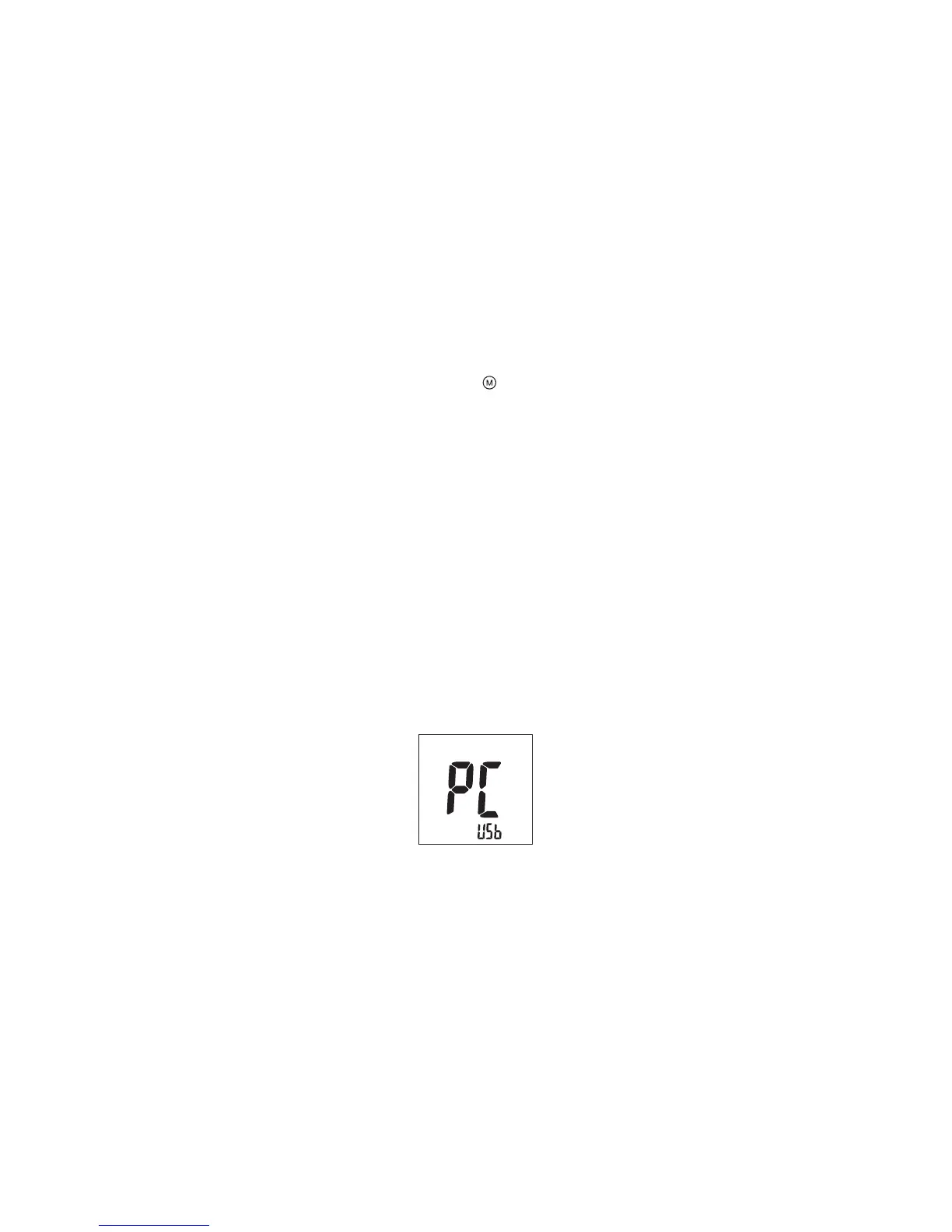
4. The word "PC" will appear on the display indicates that the meter is now in the communication mode (Fig.58)
Transfer Test Results to a Computer
(Fig.58)
21



 To Next Page