1. Press to turn on the meter.
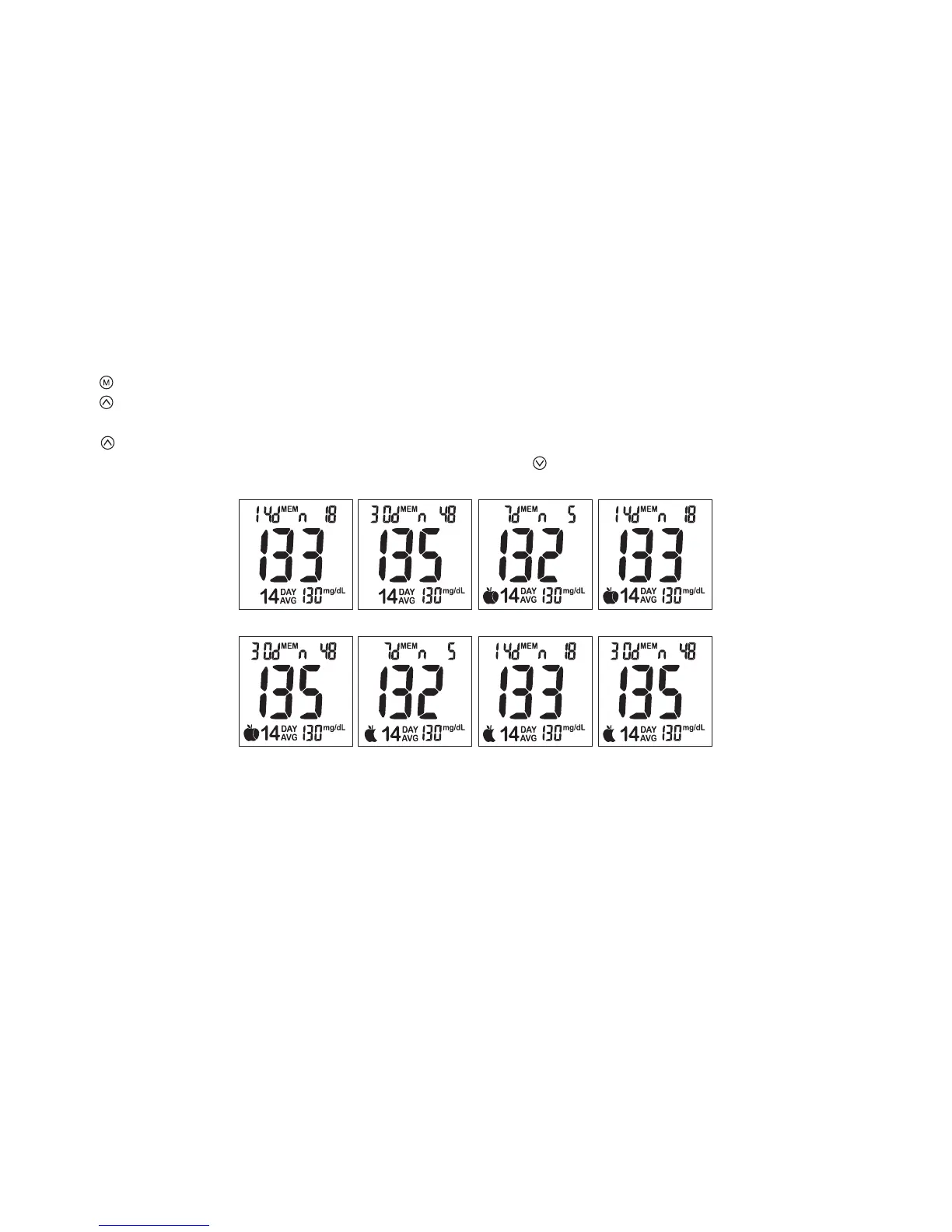
2. Press button to view day average results.
3. 7/14/30 day average results marked with a no meal/ pre-meal/ post-meal and will be displayed on screen in sequence
when is pressed (Fig.50~ 57).
4. When the meter displays 7 days with no meal status assigned, press button and the meter will change to view
results in memory.
View Day Average Results
(Fig.50) (Fig.51) (Fig.52) (Fig.53)
(Fig.54) (Fig.55) (Fig.56) (Fig.57)
Note:
1. The 7/14/30 day average is calculated from the test results obtained during the last consecutive 7/14/30 day
periods.
2. A result with a temperature warning symbol will NOT be calculated in 7/14/30 day average.
3. “LO” under 20 mg/dL and “HI” over 600 mg/dL readings will NOT be stored in the memory.
20



 To Next Page