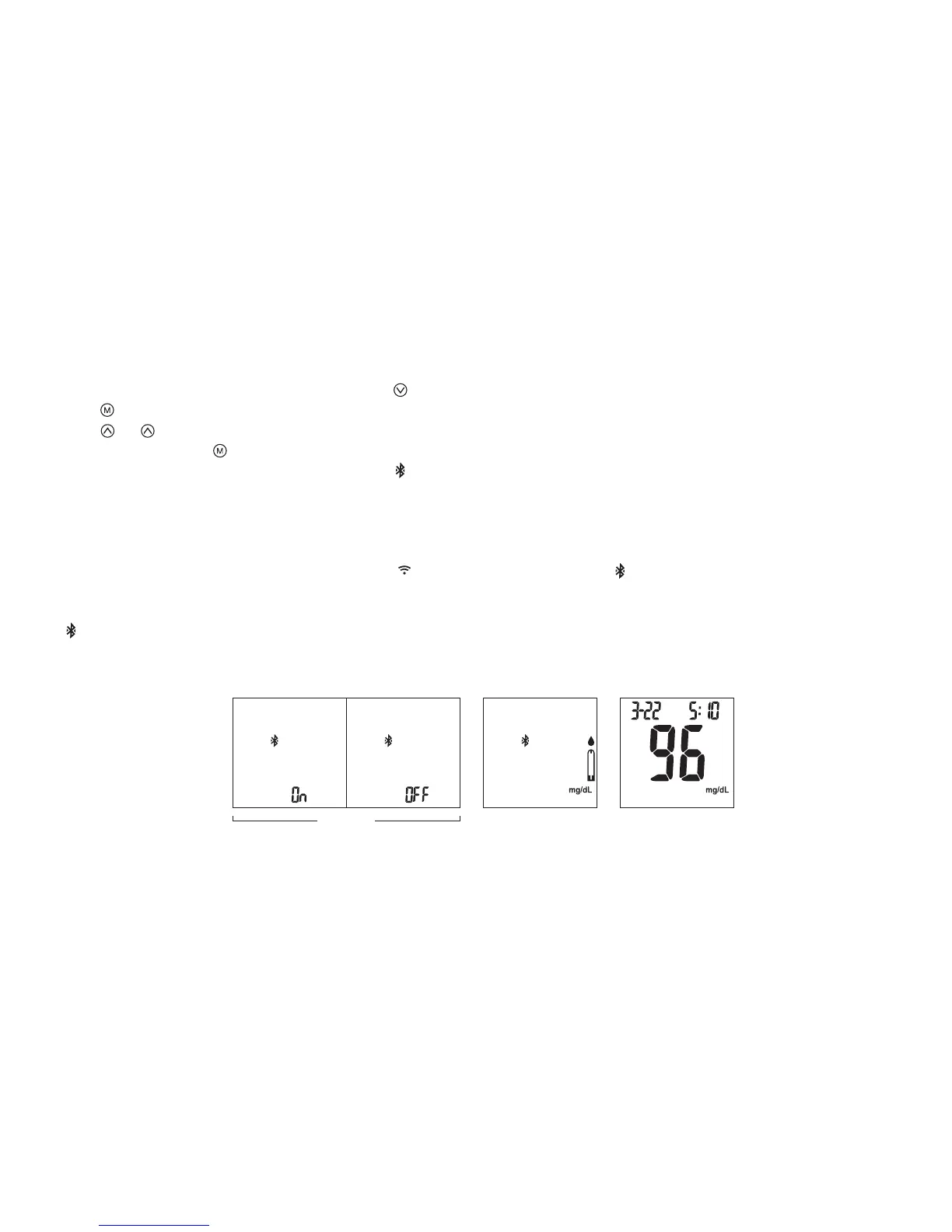
1. When the meter is switched o, press and hold button for 4 seconds to enter setting.
2. Press to conrm Buzzer setting and enter Bluetooth function setting menu.
3. Press or to select Bluetooth “ON” or “OFF” (Fig. 62).
4. Select “ON” and press to conrm and meter will be turned o.
5. Insert a test strip to turn ON the meter (Fig. 63). will blink when the meter is NOT connected with a mobile device.
6. Turn on BLE tool APP (with Blood Glucose Test) and Bluetooth on your mobile device.
Note: Please skip Step 1~4 if Bluetooth feature is already “ON”.
7. Click “Connect” and select the device shown (ex. TBMTXXXXXXXX) in APP list. stops blinking when the meter &
mobile device is connected.
8. Perform your blood glucose test. After testing your blood glucose, the test result will automatically transmit to the APP.
will disappear (Fig. 64).
To Connect via Bluetooth before a Blood Glucose Testing
(Fig.63) (Fig.64)(Fig.62)
23



 To Next Page