Accessing the Configuration Interface
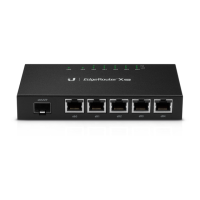
Note: Ensure that your host system is connected to the
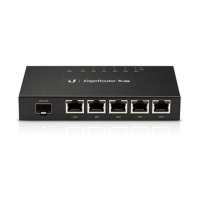
eth0 port of the EdgeRouter X SFP.
1. Configure the Ethernet adapter on your host system with a
static IP address on the 192.168.1.x subnet.
2. Launch your web browser. Type https://192.168.1.1 in the
address field. Press enter (PC) or return (Mac).
3. The login screen will appear. Enter ubnt in the Username
and Password fields. Read the Ubiquiti License Agreement,
and check the box next to I agree to the terms of this License
Agreement to accept it. Click Login.
The EdgeOS Configuration Interface will appear, allowing
you to customize your settings as needed. You can click the
Wizards tab to access the Setup Wizards. For information on
PoE configuration, refer to the Configuring PoE Settings section.


 To Next Page
 Loading...