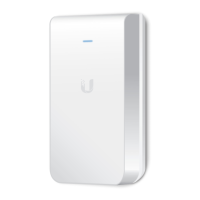
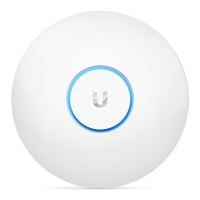
Optional
Wireless Adoption
See “Wireless Adoption Requirements” before proceeding.
1. Ensure the UAP-AC-M-PRO is powered on, and then launch the UniFi Controller
software.
2. Go to the Devices page, and the UAP-AC-M-PRO will show up as Pending Approval
(Wireless).
3. Click Adopt.
For information on configuring and using the UniFi Controller software, refer to the User
Guide located on our website: ui.com/download/unifi
Software Installation
Download and install the latest version of the UniFi Controller software. Launch it and
follow the on-screen instructions. The software and step-by-step instructions in the User
Guide are available at: ui.com/download/unifi
After you have installed the software and run the UniFi Installation Wizard, a login
screen will appear for the UniFi Controller management interface. Enter the username
and password that you created and click Sign In.



 To Next Page
 Loading...