UBTECH CADEBOT USER MANUAL
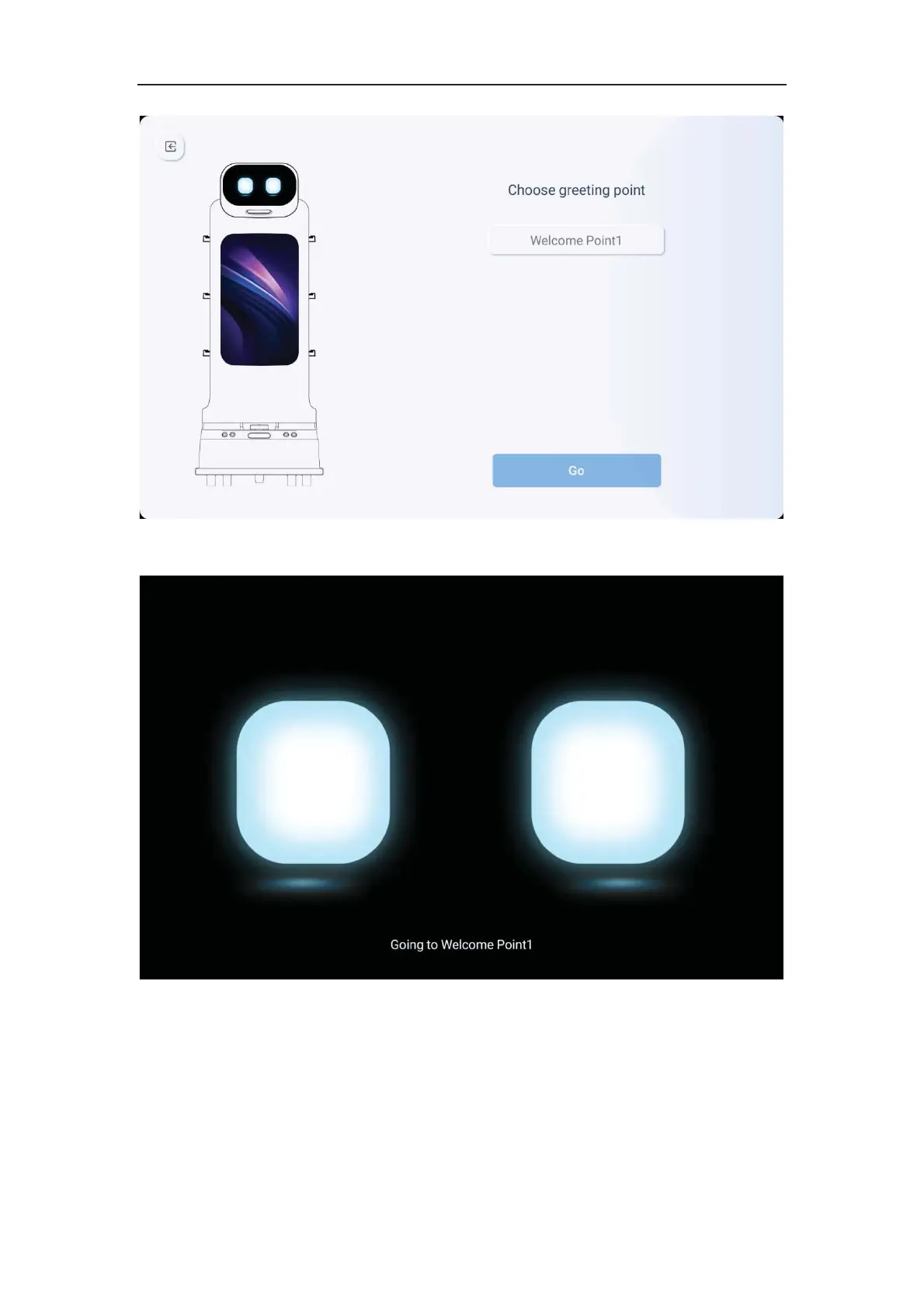
2. Select the desired welcome point and click to start, then the machine will automatically
go to the selected welcome point.
3. When arriving at the welcome point, the machine will scan the surrounding
environment, identify guests, and broadcast according to the content of the welcome
settings.
4. Guests can touch the top left and right sides of the machine to trigger the voice
broadcast of "patting the head", thereby conducting human-machine interaction.



 To Next Page