UBTECH CADEBOT USER MANUAL
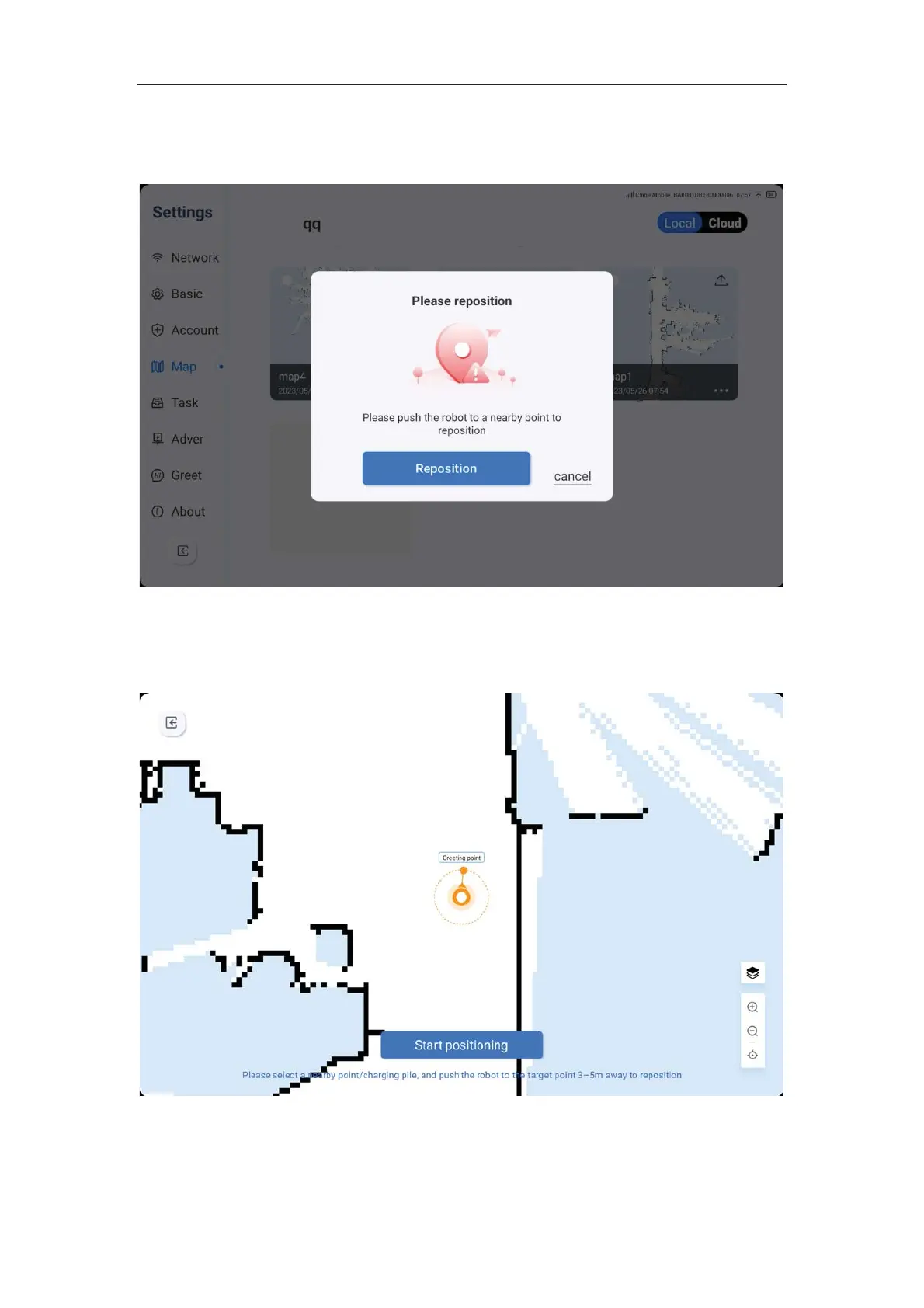
loss of location
1. The machine may experience a loss of location when it starts up or switches to a
specific map. If this occurs, you need to select a nearby location mark on the map and
guide the machine to the vicinity for re-positioning. After clicking the re-positioning key, the
machine will automatically locate itself and display a successful message on the page.
2. Location points can be selected from welcome points, delivery points, recycling points,



 To Next Page