UBTECH CADEBOT USER MANUAL
5. Administrators or service staff can double-click or swipe up with two fingers to input a
password, then automatically exit the welcome mode and enter the delivery home page.
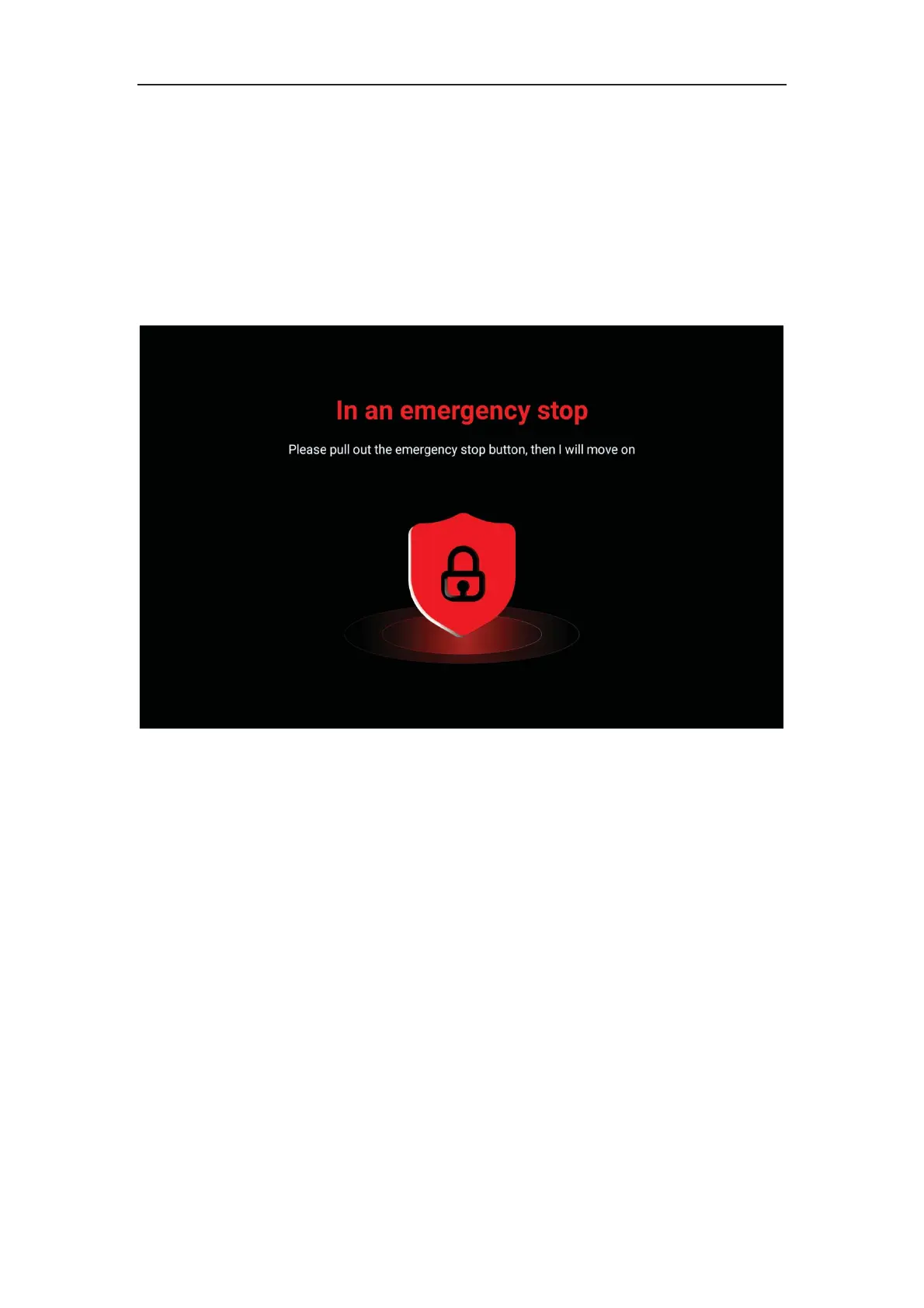
Emergency Stop
1. While the machine is moving, you can press the emergency stop button located on the
top of the machine. After pressing it, the robot will immediately stop running and unlock
the wheels after it stops moving.
3. Turning the button clockwise can release the emergency stop status, and then the
base drive wheel returns to the locked state.
Note: After pressing the emergency stop button on a slope, please hold the robot firmly to
prevent the base drive wheel from unlocking and sliding down the slope.



 To Next Page