UBTECH CADEBOT USER MANUAL
Maintenance and Cleaning
Note:
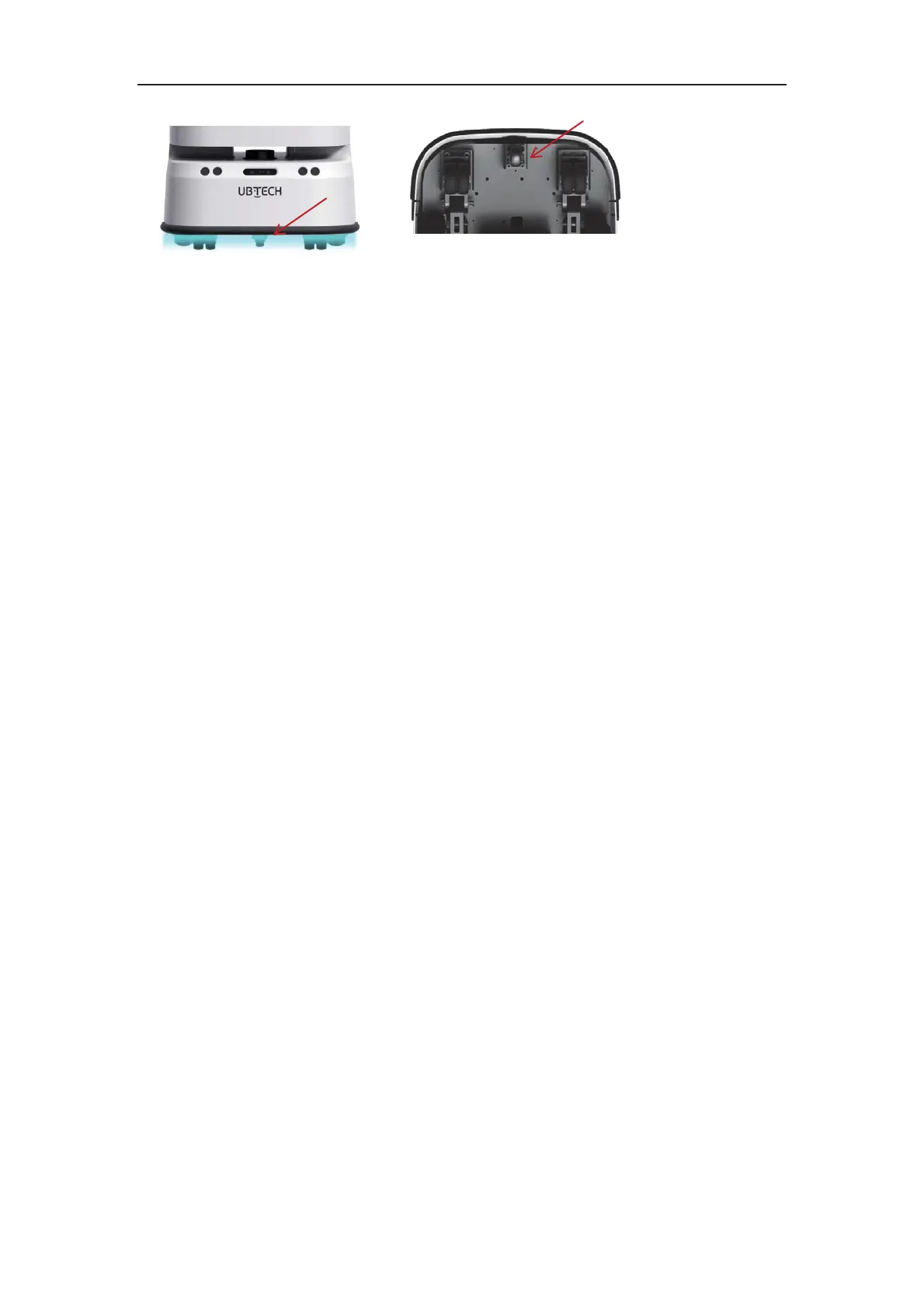
1. Do not use abrasive agents, aerosols, liquids containing alcohol or other liquids to
clean CADEBOT, as they may contain flammable substances or damage the plastic
casing of CADEBOT;
2. Do not spray or wet CADEBOT with water or other liquids; please keep CADEBOT
dry and do not use irritant-containing cleaning agents or organic solvents to wipe the
camera lens;
3. Please only use soft microfiber cloths to clean dust on the camera and sensor;
4. If you find that the robot is damaged, making abnormal sounds or cannot work
normally, please contact the local after-sales service.
Cleaning the Robot
Follow these steps to operate safely and avoid damaging the robot:
1.Press the base power button to turn off the robot and make sure it is completely
powered off;
2.Clean the exterior of the robot with a soft, damp cloth;
3.Wipe the exterior of the robot thoroughly with a soft, dry cloth;
4.Check if the robot is dry.



 To Next Page