UBTECH CADEBOT USER MANUAL
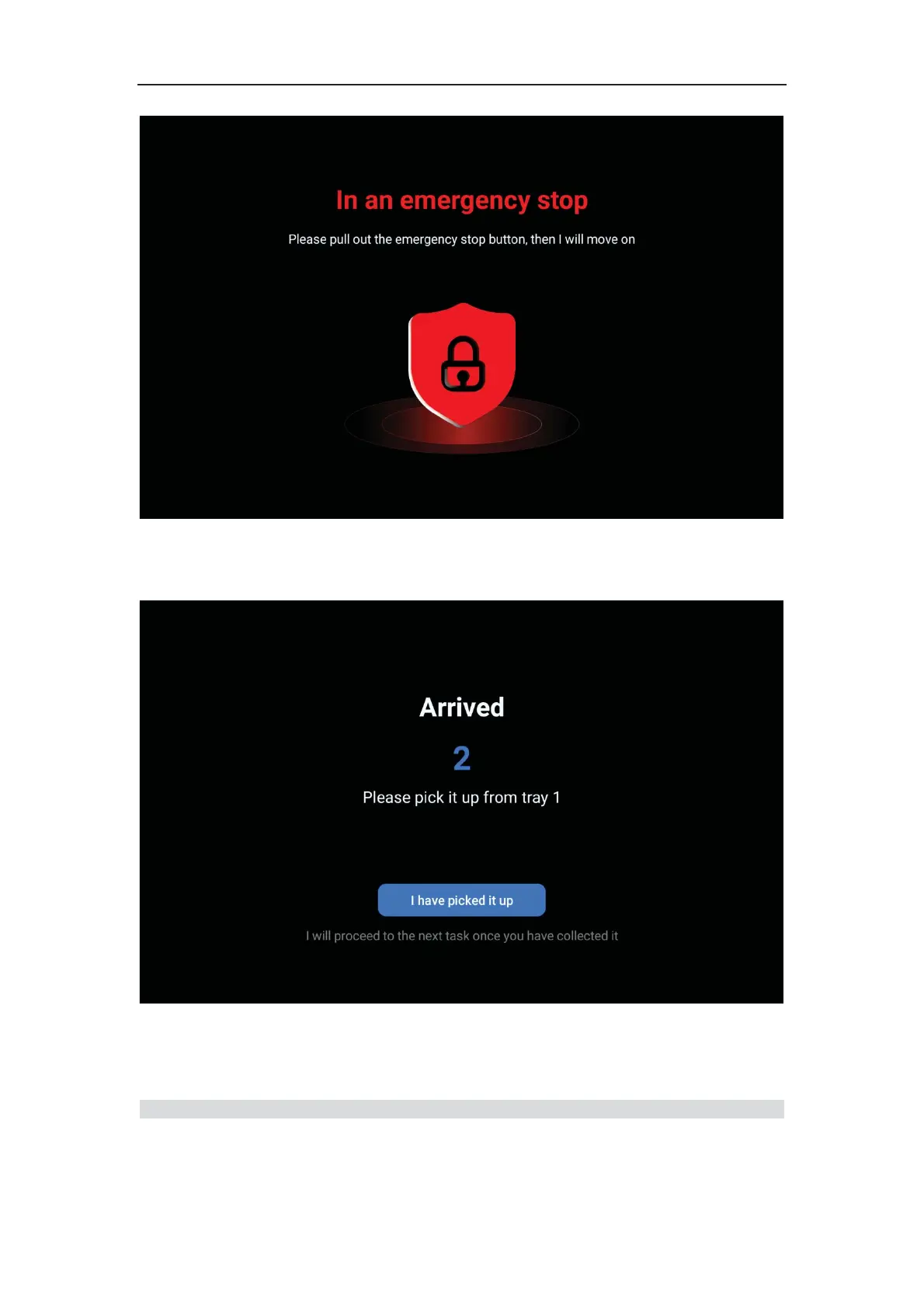
6.Once the robot arrives at the destination, the screen displays "Arrived". User clicks "I've
Got My Meal". If there are multiple tasks, the robot will automatically execute the next
delivery task. If there are no remaining tasks, the robot will automatically return.
Settings
After entering the settings interface, if there are no operations for more than 5 minutes, it



 To Next Page