UBTECH CADEBOT USER MANUAL
About
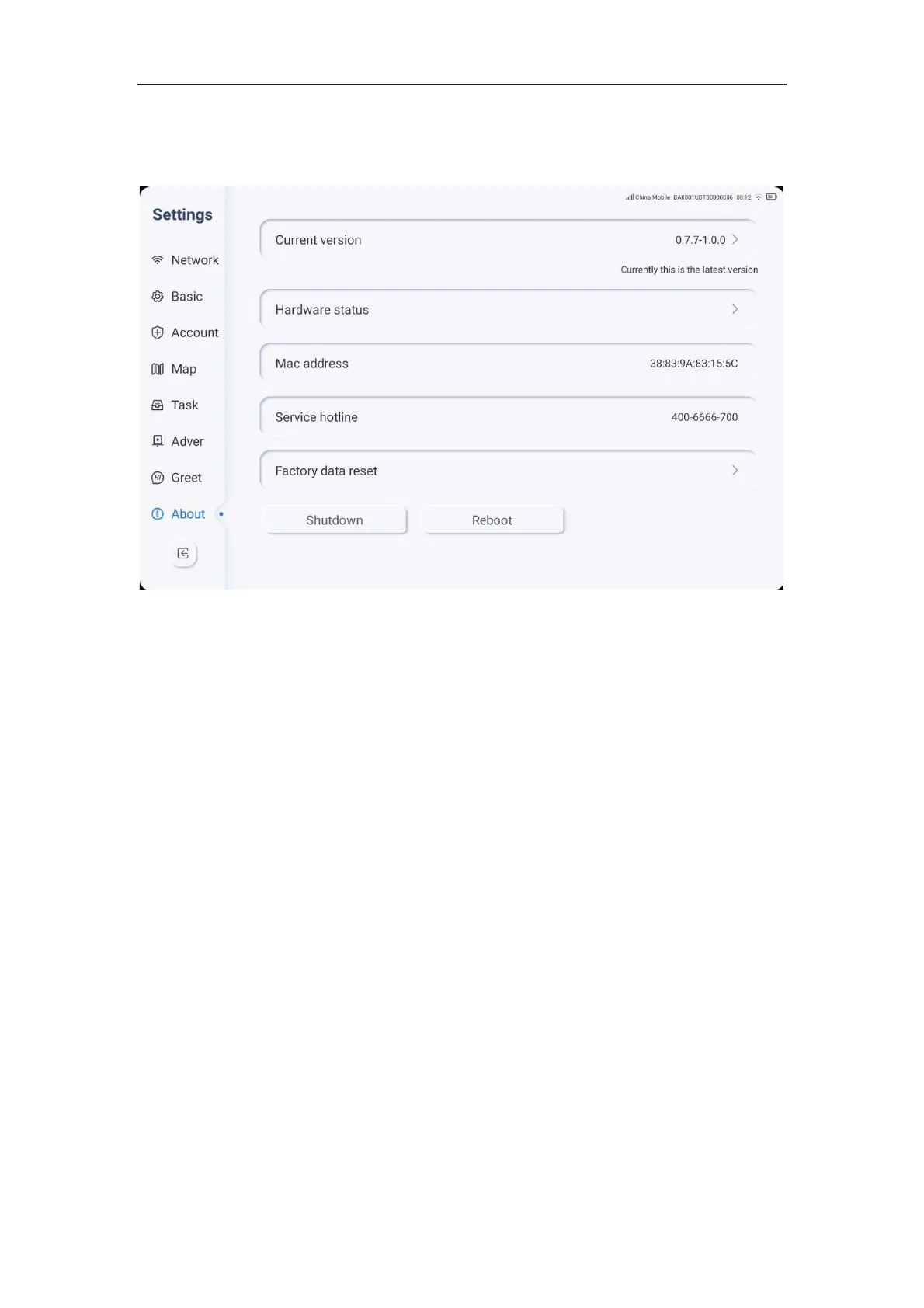
1. Click on the settings icon, then click on about to enter about settings.
2. Users can view current version information, hardware status, Mac address, service
hotline phone number, and user operation QR code.
3. If the machine detects a new version, users can choose to upgrade or not.
4. Clicking the power button/restart key will automatically shut down/restart the machine.
Welcome Mode
1. After clicking the welcome key on the main page, the machine enters the welcome
mode.



 To Next Page