UBTECH CADEBOT USER MANUAL
meal serving points, charging stations, etc.
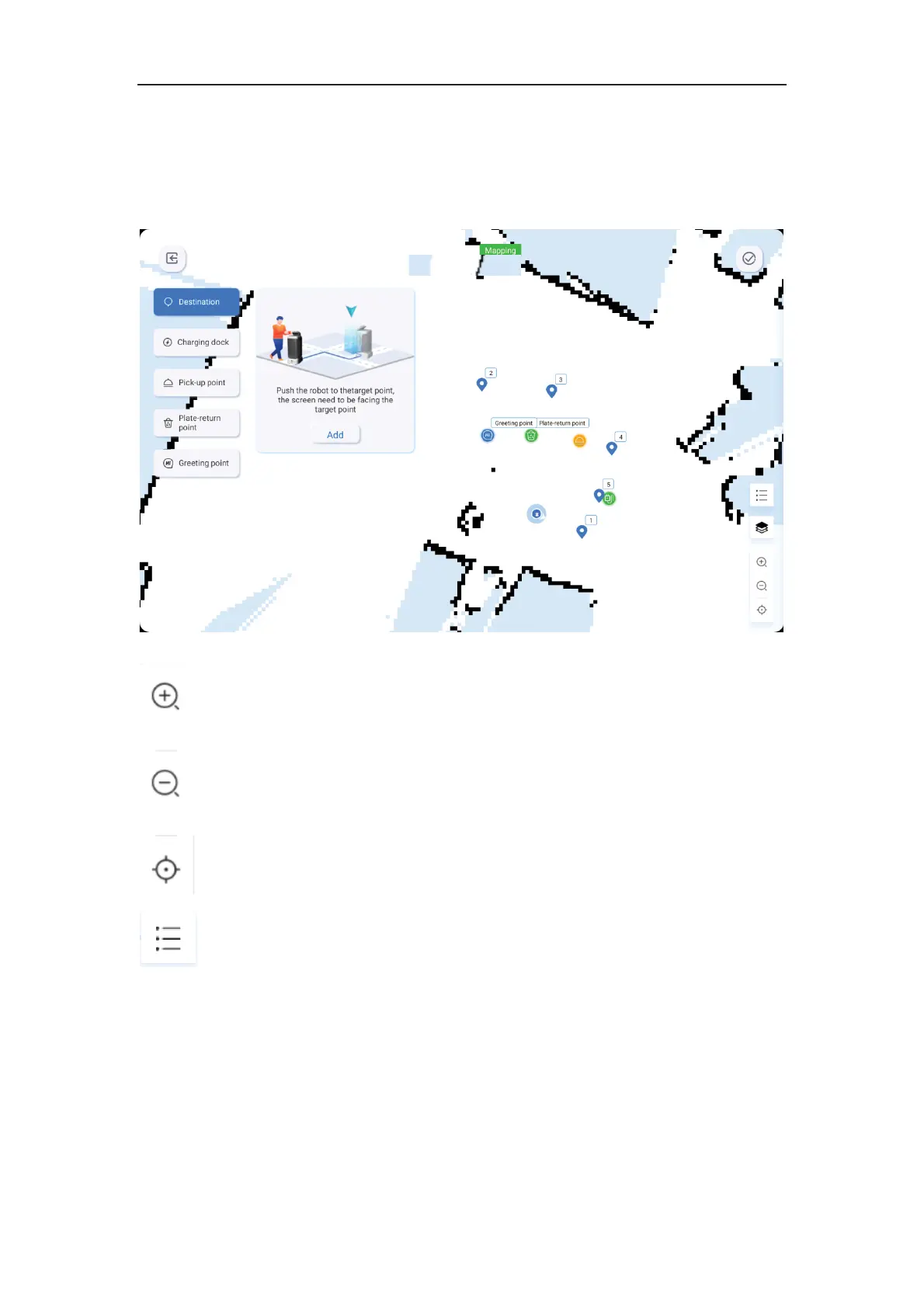
Map Deployment
Button Instructions˖
Map zoom key, used to zoom in or out the map
Map resize key, used to resize the map
Map reset key, which restores the map size to 100% and centers the position
Location list key, which displays the created target points
Process Description˖
1ǃClick the settings icon, select the map, and perform map settings. Click the "+" button to
add a new map. You can double-tap on the screen to zoom in or out the map.
2ǃUsers must set at least five specific locations, including destinations, charging stations,
recycling points, meal serving points, and welcome points.



 To Next Page