EasyManua.ls Logo

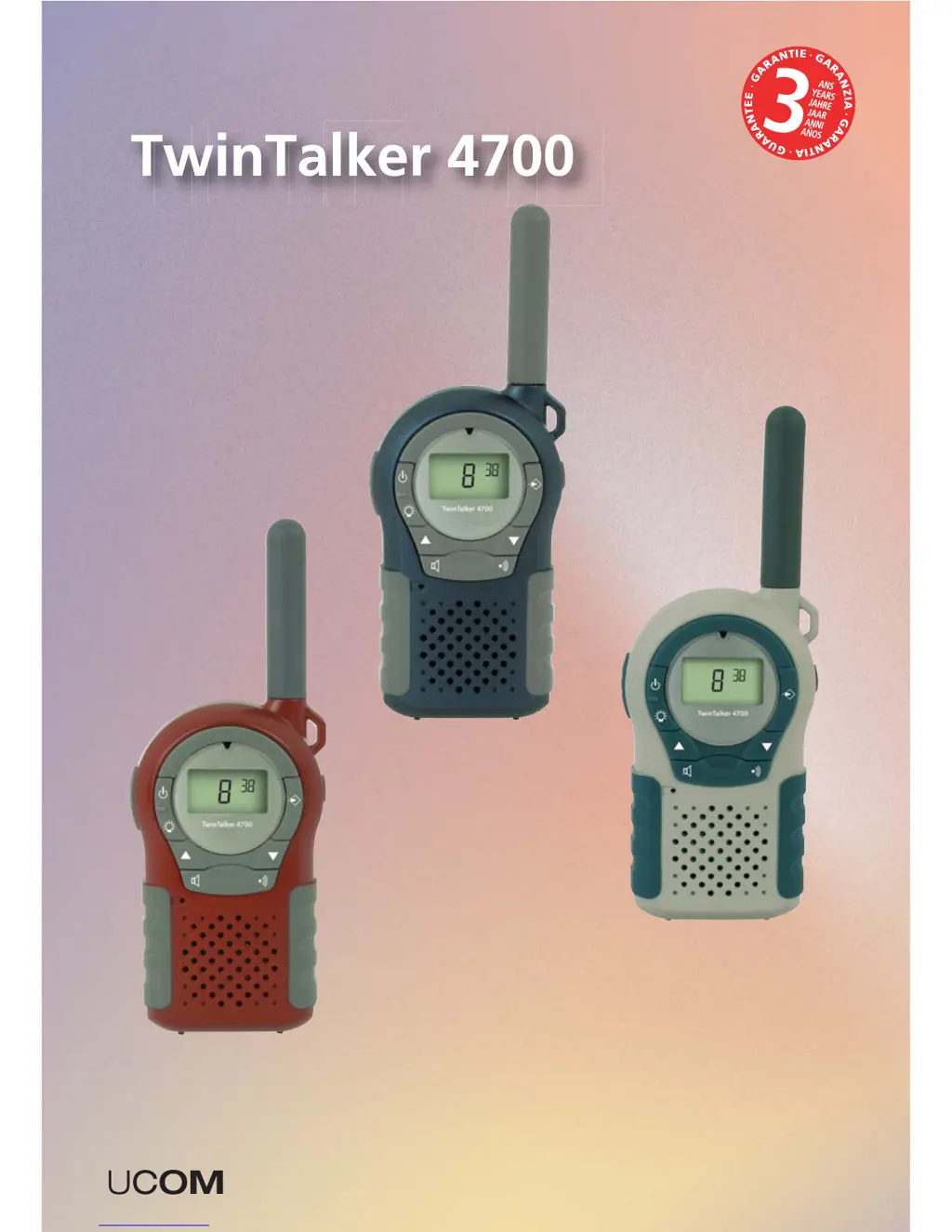
UCOM TwinTalker 4700 - User Manual

UCOM TwinTalker 4700
60 pages
Print Icon
To Next Page IconTo Next Page
Loading...
PMR
USER GUIDE
MANUEL D’UTILISATEUR
HANDLEIDING
GEBRAUCHSANWEISUNG
v 1.2
U8006428

Table of Contents

Questions and Answers

Summary

Safety Instructions and Precautions

Burning Injuries and Battery Safety

Details on avoiding burns from antenna contact and battery handling.

Device Injuries and Pacemaker Proximity

Information on airbag deployment areas, pacemaker interference, and medical equipment.

Explosion and Poisoning Dangers

Warnings about explosive atmospheres, battery disposal, and keeping batteries from children.

Legal Usage and General Notes

Guidelines on legal use, driving, aircraft, and general notes on device operation.

Cleaning and Maintenance

Disposal of the Device

Using a PMR Device

Included in the Package

Getting Started and Setup

Installing and Removing Belt Clip

Instructions for attaching and detaching the belt clip to the device.

Battery Installation Procedure

Steps for correctly inserting AAA batteries into the device.

Battery Charge Level

Buttons Overview

LCD Display Information

Operating the Twintalker 4700

Turning the Unit ON;OFF

Procedure for powering the radio device on and off.

Adjusting Speaker Volume

How to increase or decrease the audio output volume.

Receiving and Transmitting Signals

Explanation of how to receive signals and the process of transmitting.

Changing Channels and CTCSS Codes

Steps for selecting channels and setting CTCSS codes for communication.

VOX Selection and Call Tones

Configuring voice-activated transmission and setting alert call tones.

Roger Beep and Power Off Functions

Enabling/disabling Roger Beep and setting automatic power off.

Monitor, Channel Scan, and Button Lock

Using monitor, scan features, and activating the keypad lock.

Display Backlight Activation

How to turn on the LCD display backlight.

Connection for Optional Accessories

Troubleshooting Common Issues

Power, Transmission, and Reception

Solutions for power loss, no transmission, and no reception.

Range and Interference Problems

Tips for improving transmission range and resolving interference.

Technical Specifications

Service Address and Hotline

Declaration of Conformity and Manufacturer

Warranty and Exclusions

Warranty Period and Handling

Details on the warranty duration, claim process, and service.

Warranty Exclusions

Conditions and damages not covered by the product warranty.

UCOM TwinTalker 4700 Specifications

General IconGeneral
Frequency Range446.00625 - 446.09375 MHz
Channels8
VOXYes
Call Tones5
WaterproofNo
RangeUp to 6 km
Power Source4 x AAA batteries