UCOM Twintalker 4700 13
UCOM Twintalker 4700
ENGLISH
13.10 Automatic Power Off (APO)
To save energy, you can activate the Automatic Power Off function. In case you forgot to
Power Off the unit, it will switch Off automatically after the set time.
13.11 Monitor
You can use the MONITOR feature to check for weaker signals in the current channel.
• Press and hold the -button to activate channel monitoring.
• Release the -button to stop monitoring.
13.12 Channel Scan
CHANNEL SCAN performs searches for active signals in an endless loop from channel 1 to
8 including the CTCSS codes
13.13 Button Lock
13.14 Display backlight
To activate the backlight of the LCD display press a button briefly.
The LCD backlight will burn for 5 seconds.
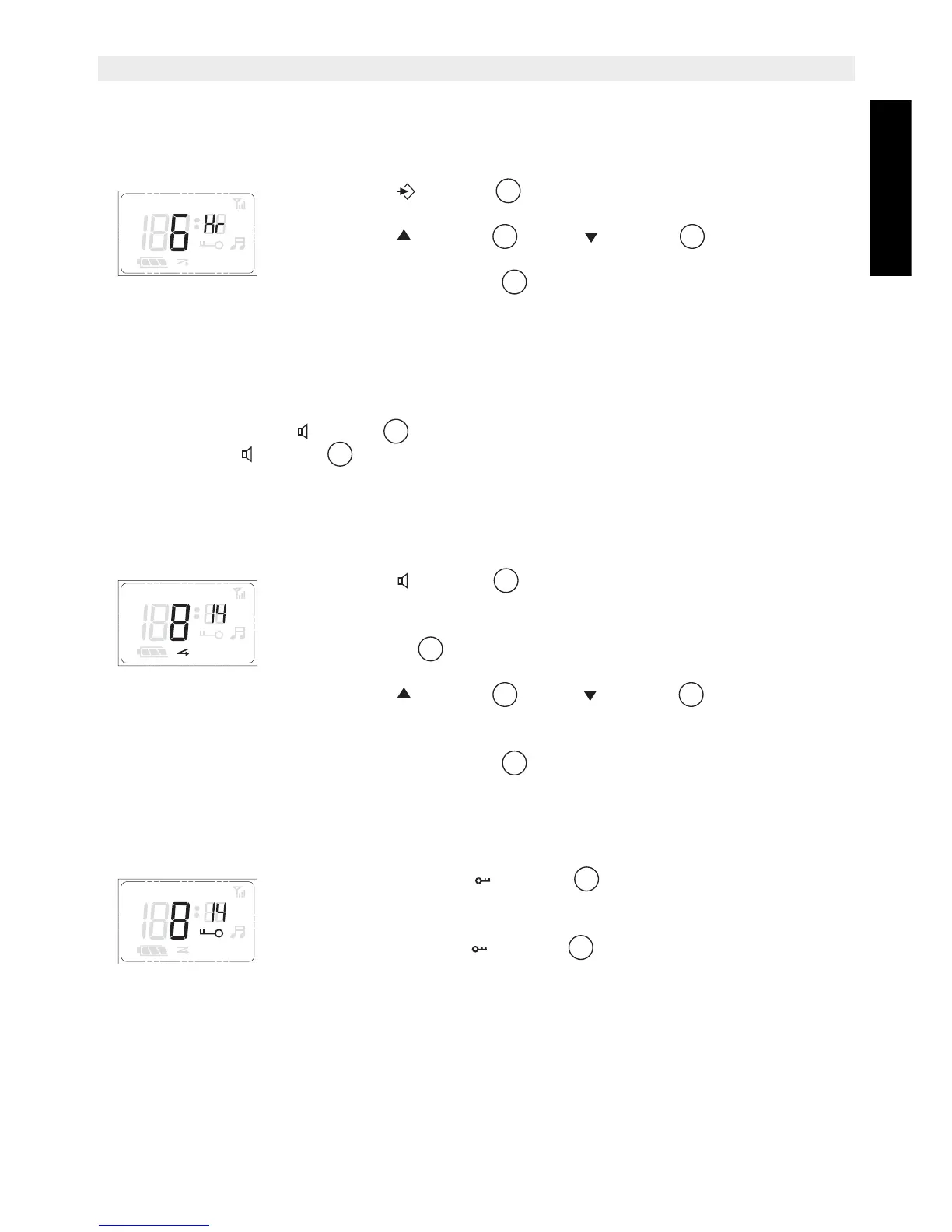
• Press the - button 6 times, the current Power OFF time
flashes on the display.
• Press the - button or the - button to change to
another Time (0 - 12 hour)
• Press the PTT - button to confirm and return to stand-by
mode.
• Press the - button briefly to activate Channel Scan. The
channel scan icon is displayed.
• When an active signal (one of 8 channels) is detected, press the
PTT - button to fix the channel and starts communicating
over the active channel.
• Press the - button or the - button to bypass the
current channel and continue to search for another active
channel
• Press the PTT - button to leave channel scan and return to
stand-by mode.
• Press and hold the - button for 3 seconds to activate or
deactivate the BUTTON LOCK mode. The BUTTON LOCK icon
is displayed on the LCD Screen.
• Press and hold the - button again to deactivate BUTTON
LOCK
+
APO VOX


 To Next Page