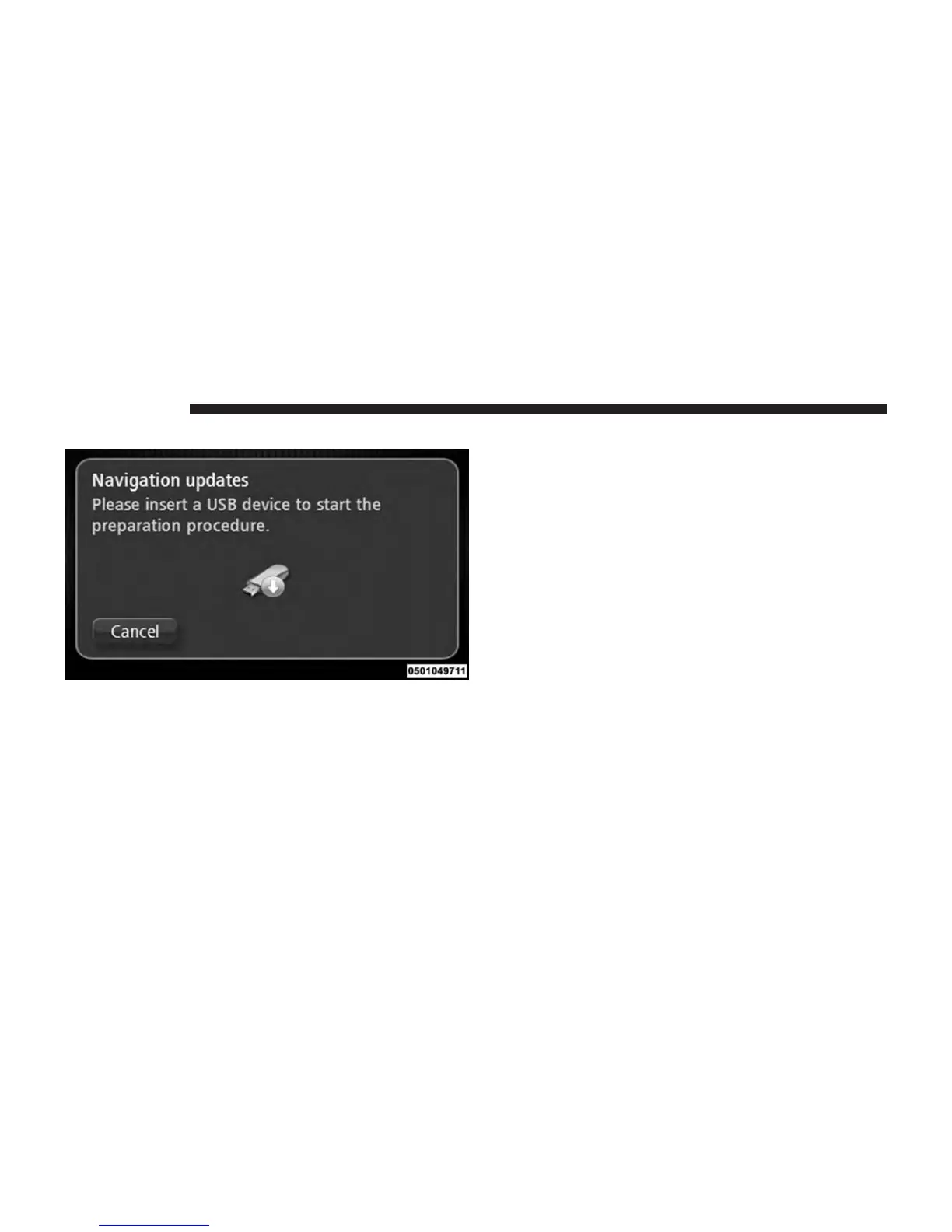
4. Insert your USB device. NOTE:
• If the system continues to ask you to insert your USB
device, make sure your USB device meets the re-
quirements above, then try again.
• If you connect more than one USB device, the system
asks you to remove devices so that only the device
you want to prepare is connected.
• If there is not enough free space on the USB device,
the system asks you to use a different USB device.
• If you connect a USB device that contains files, the
system warns you that the files on the USB device
may be deleted.
116 NAVIGATION



 To Next Page