Getting Help To Use Your Navigation System
You can get further help by going to
uk.support.tomtom.com/app/answers/list
.
Planning A Route
WARNING!
ALWAYS drive safely and obey all applicable
laws. You should only use Uconnect® features
when it is safe to do so. Failure to do so may result
in an accident involving serious injury or death.
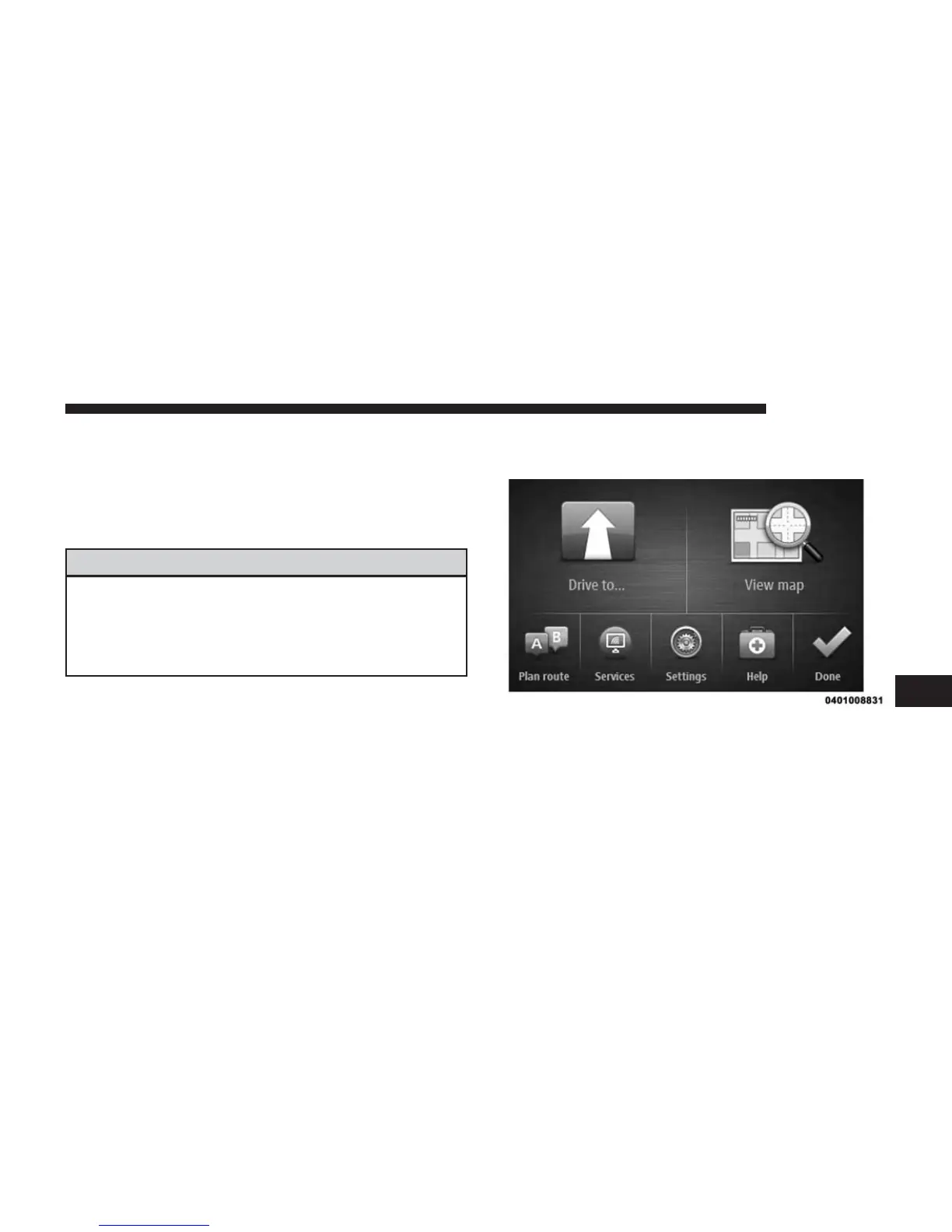
To plan a route, do the following:
1. Press the touchscreen to open the Main Menu.
2. Press the “Drive to” button on the touchscreen.
7
NAVIGATION 55



 To Next Page