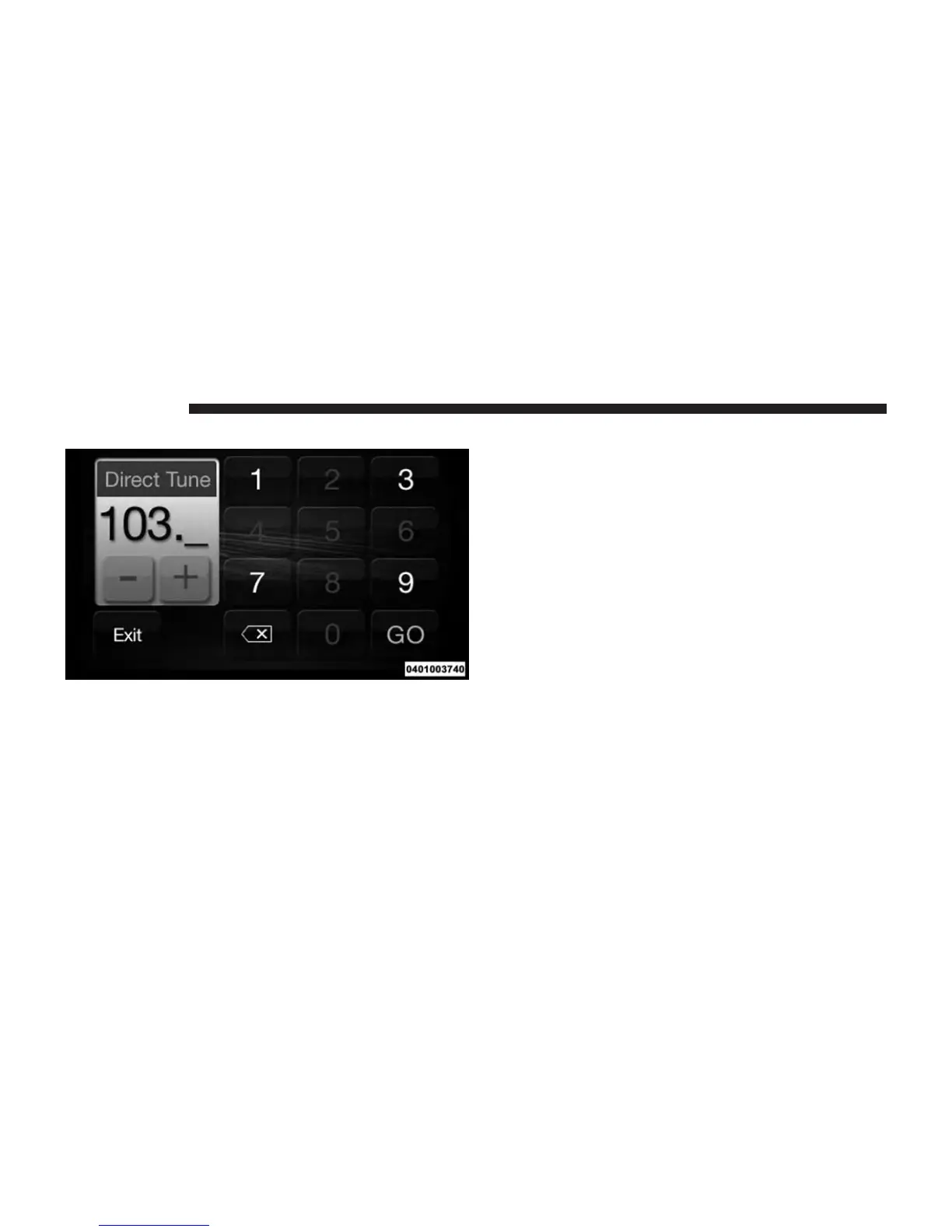
Direct Tune
The Direct Tune button screen is available in AM, FM,
and SAT radio modes and can be used to direct tune the
radio to a desired station or channel. Press the “Tune”
button located at the bottom of the radio screen.
Press the available number button to begin selecting a
desired station. Once a number has been entered, any
numbers that are no longer possible (stations that cannot
be reached) will become deactivated/grayed out.
If you accidently entered the wrong station number, Press
the “CLR” button to clear the radio station numbers and
reenter the correct station number.
Once the last digit of a station has been entered, the
Direct Tune screen will close and the system will auto-
matically tune to that station. The selected Station or
Channel number is displayed in the Direct Tune text box.
20 RADIO MODE



 To Next Page