Our Internet radio service is available throughout our
satellite service area and in AK and HI. © 2014 SiriusXM
Radio Inc. Sirius, XM and all related marks and logos are
trademarks of SiriusXM Radio Inc. Service available in
Canada; see
www.siriusxm.ca
.
This functionality is only available for radios equipped
with a Satellite receiver. In order to receive satellite radio,
the vehicle needs to be outside with a clear view to the sky.
If the screen shows Acquiring Signal, you might have to
change the vehicle’s position in order to receive a signal.
In most cases, the satellite radio does not receive a signal
in underground parking garages or tunnels.
Audio
1. Push the MORE button on the right side of the unit
and then the “Settings” button.
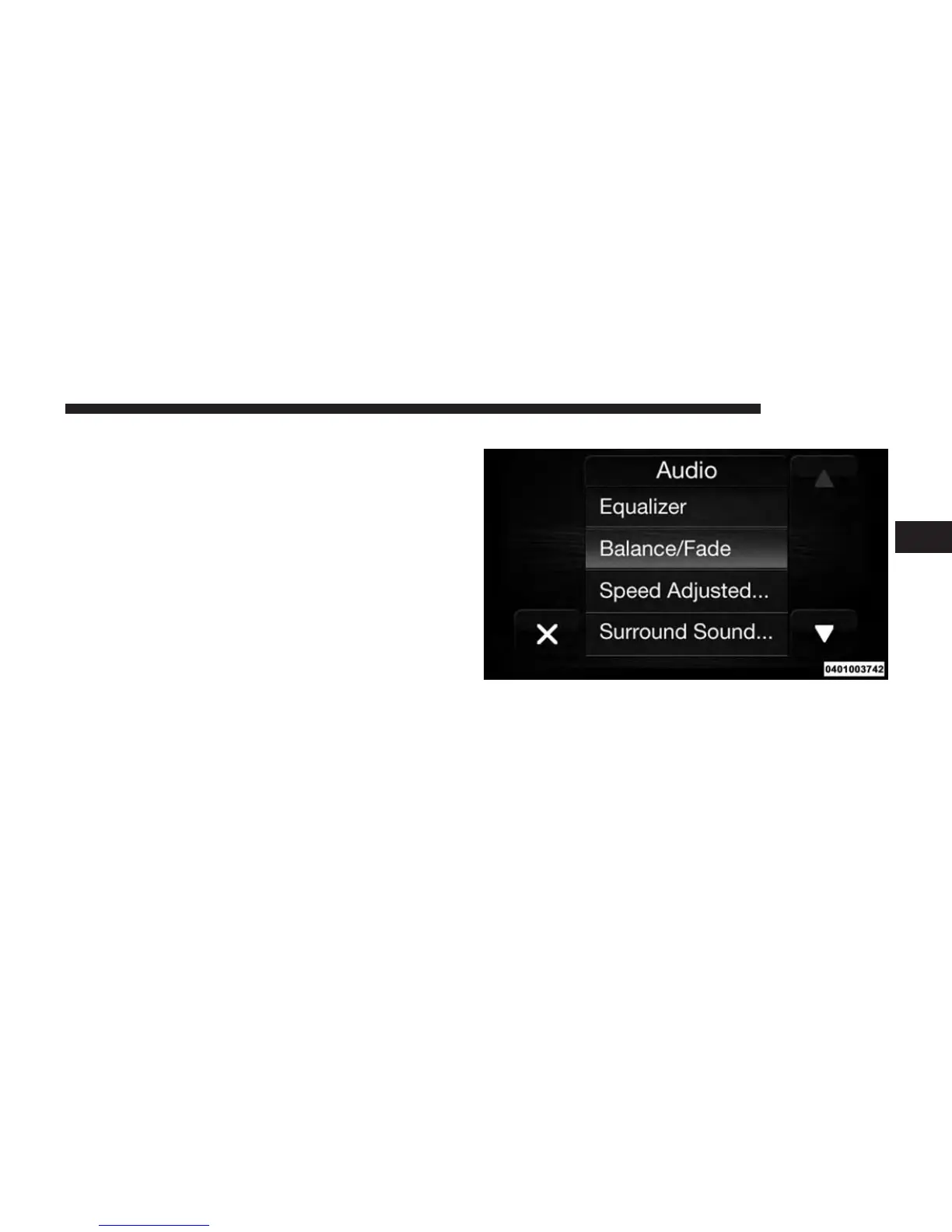
2. Then scroll down and press the “Audio” button to get
to the Audio menu.
3. The Audio Menu shows the following options for you
to customize your audio settings.
3
RADIO MODE 23



 To Next Page