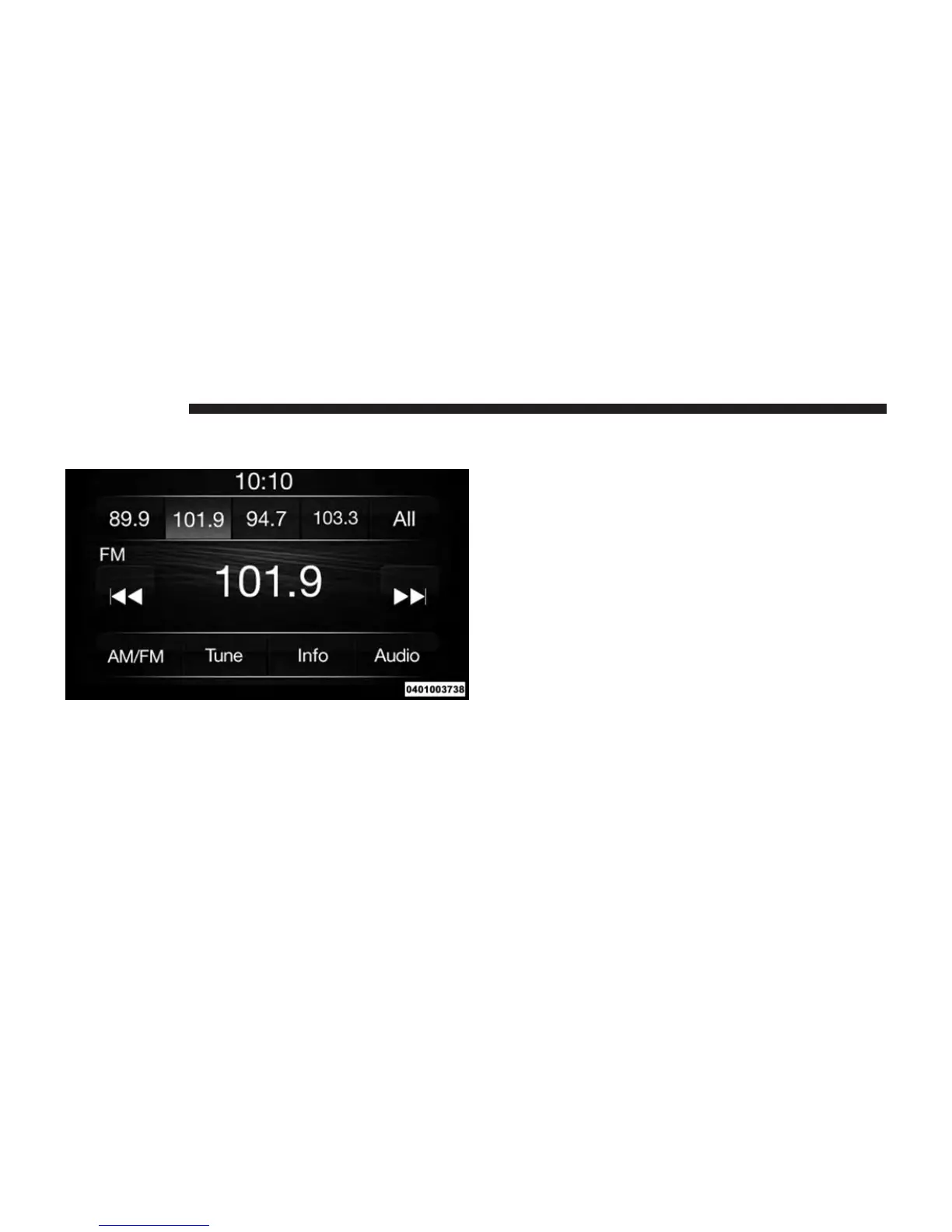
RADIO MODE
The radio is equipped with the following modes:
• AM
• FM
• SXM SiriusXM Satellite Radio (if equipped)
Push the RADIO button to enter Radio Mode. The
different tuner modes; AM, FM, and SXM, can then be
selected by pressing the corresponding buttons in Radio
mode.
Volume & Mute
Rotate the rotary knob to adjust the Volume. When the
audio system is turned on, the sound will be set at the
same volume level as last played.
Push the MUTE button to mute the system. Push the
MUTE button again to unmute the system.
Enter/Browse & Tune/Scroll Control
Turn the rotary TUNE/SCROLL control knob clockwise
to increase or counterclockwise to decrease the radio
station frequency. Push the ENTER/BROWSE button to
choose a selection.
18 RADIO MODE



 To Next Page