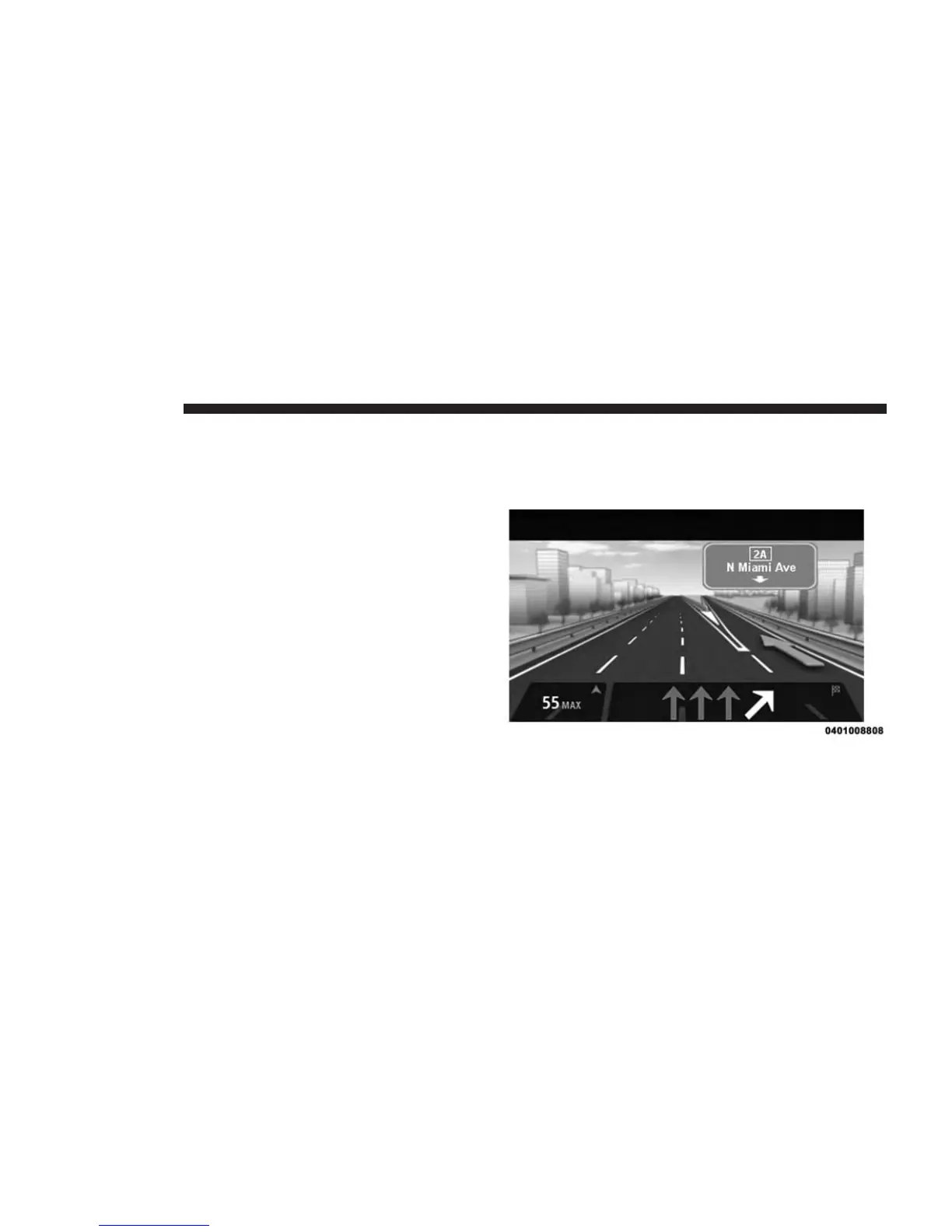
Advanced Lane Guidance
About Lane Guidance
NOTE: Lane guidance is not available for all junctions or
in all countries.
Your navigation system helps you prepare for motorway
exits and junctions by showing the correct driving lane
for your planned route.
As you approach an exit or junction, the lane you need is
shown on the screen.
Using Lane Guidance
There are two types of lane guidance:
1. Lane images
To turn lane images off, push the “Settings” button in
the Main menu, then press “Advanced settings.” Clear
the checkbox for Show lane images.
74 NAVIGATION



 To Next Page