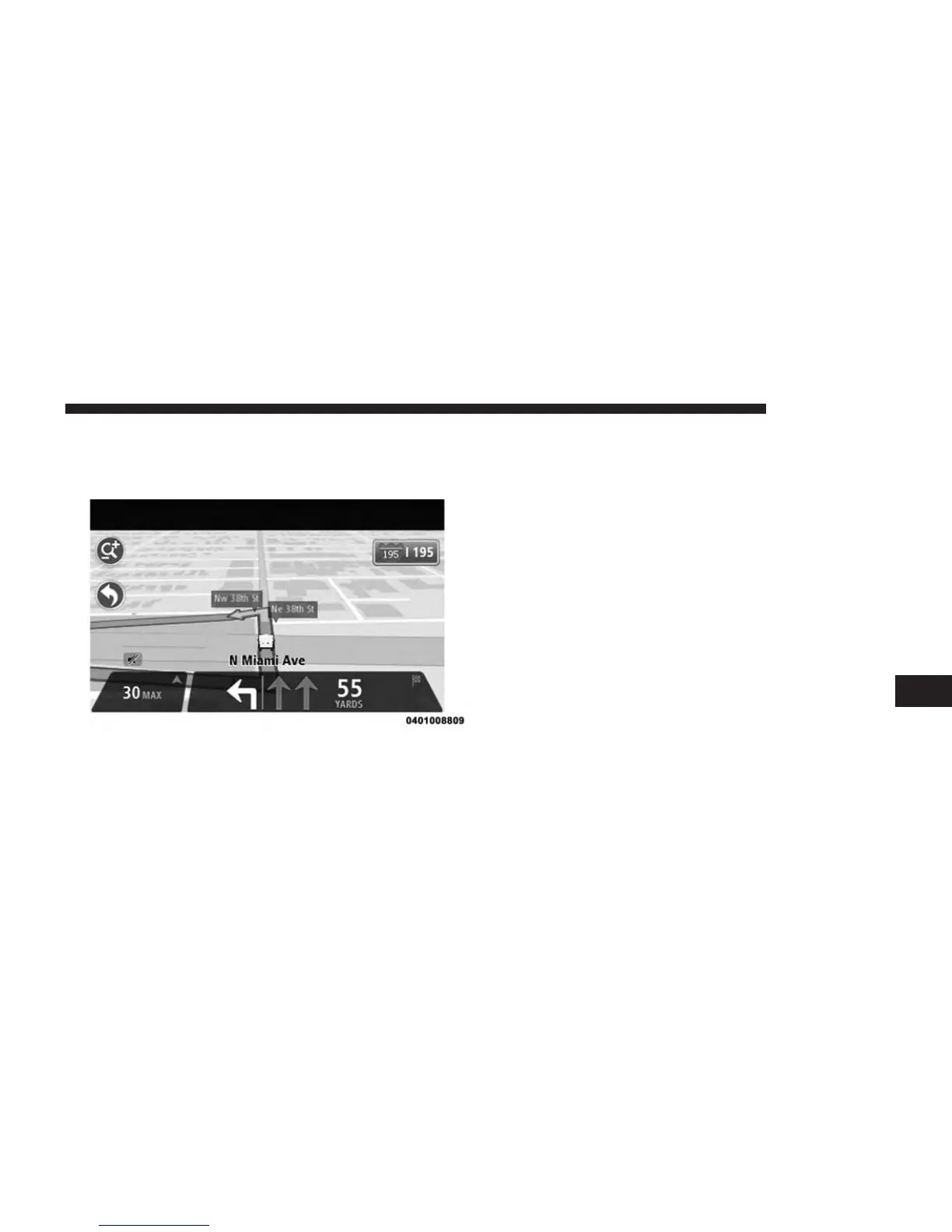
NOTE: Press anywhere on the touchscreen to return to
the Driving View.
2. Instructions in the status bar
NOTE: If no lane guidance is shown in the status bar and
all lanes are highlighted, you can use any lane.
Changing Your Route
Making Changes To Your Route
After you plan a route, you may want to change the route
or even the destination. There are various ways to change
your route without the need to completely replan the
entire journey.
7
NAVIGATION 75



 To Next Page