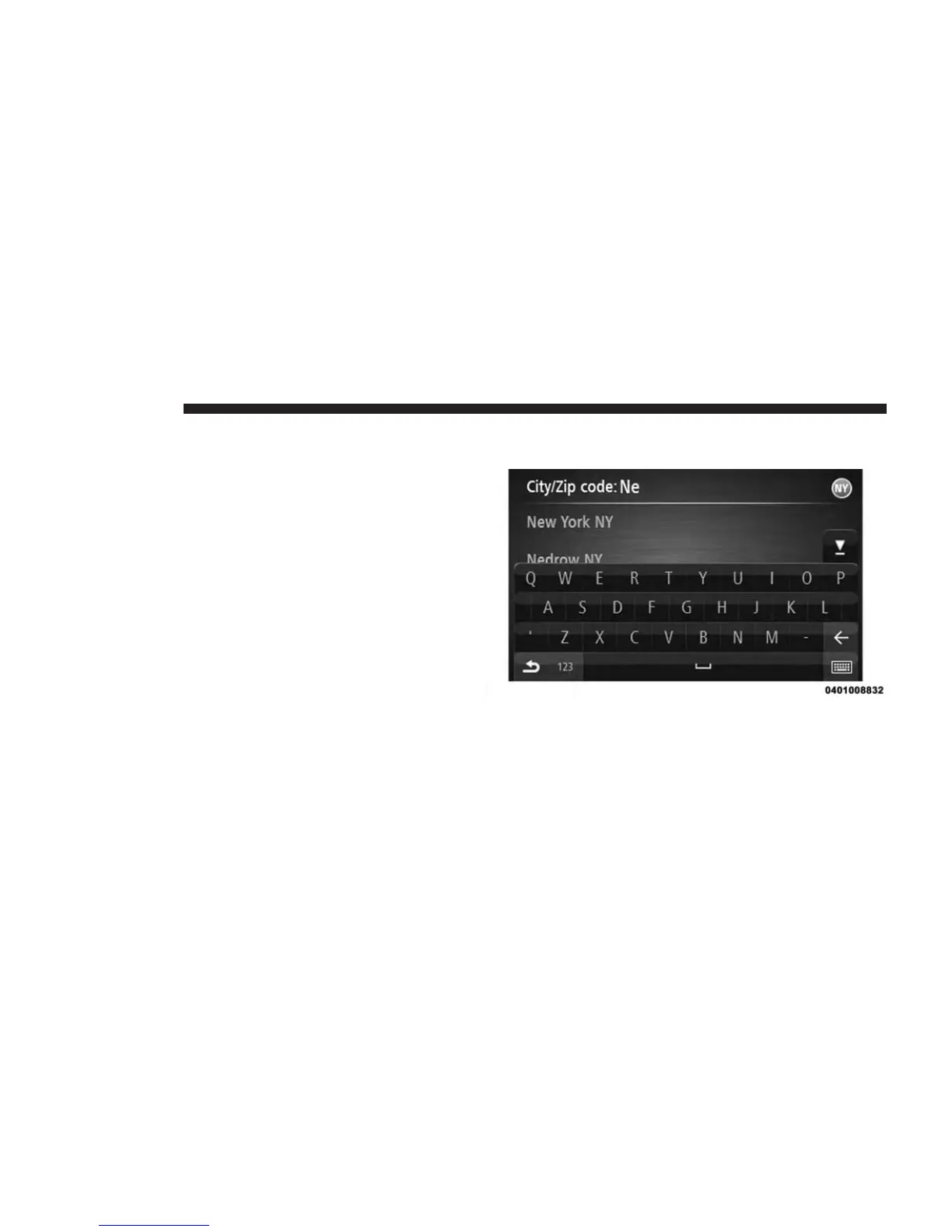
3. Press the “Address” button.
You can change the country or state setting by press-
ing the state icon in the upper right corner of the
screen.
4. Enter the town or city name, or the ZIP code.
Towns with similar names are shown in the list while
you type.
NOTE: Press the “Arrow” button to the right of the list to
expand the list of suggested towns.
When the correct city or town appears in the list, press
the name to select the destination.
56 NAVIGATION



 To Next Page