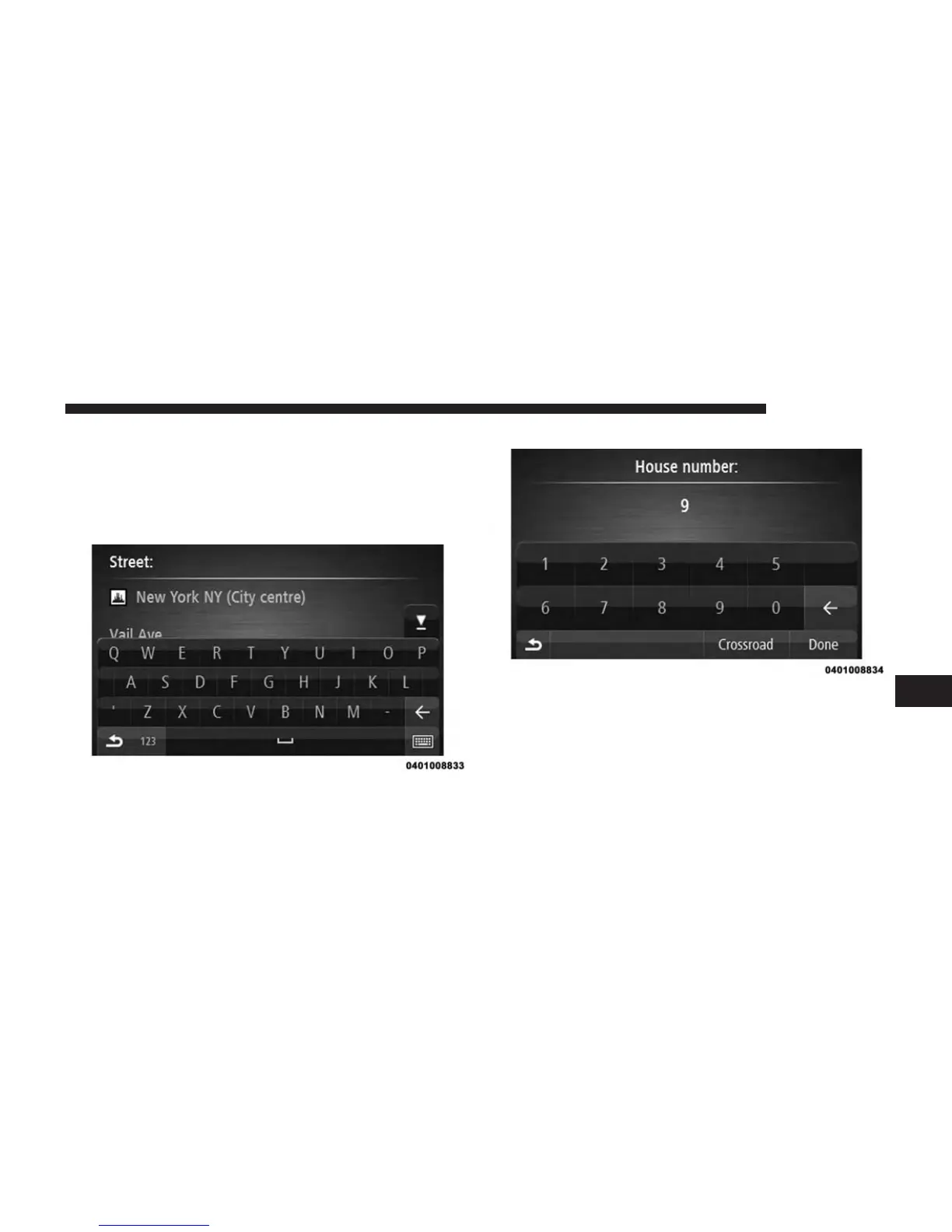
5. Enter the street name.
Streets with similar names are shown in the list while
you type.
When the correct street name appears in the list, press
the name to select the destination.
6. Enter the house number, then press the “OK” button.
7. The location is shown on the map. Press the “Select”
button to continue or press the “Back” button to enter
another address.
7
NAVIGATION 57



 To Next Page