NOTE:
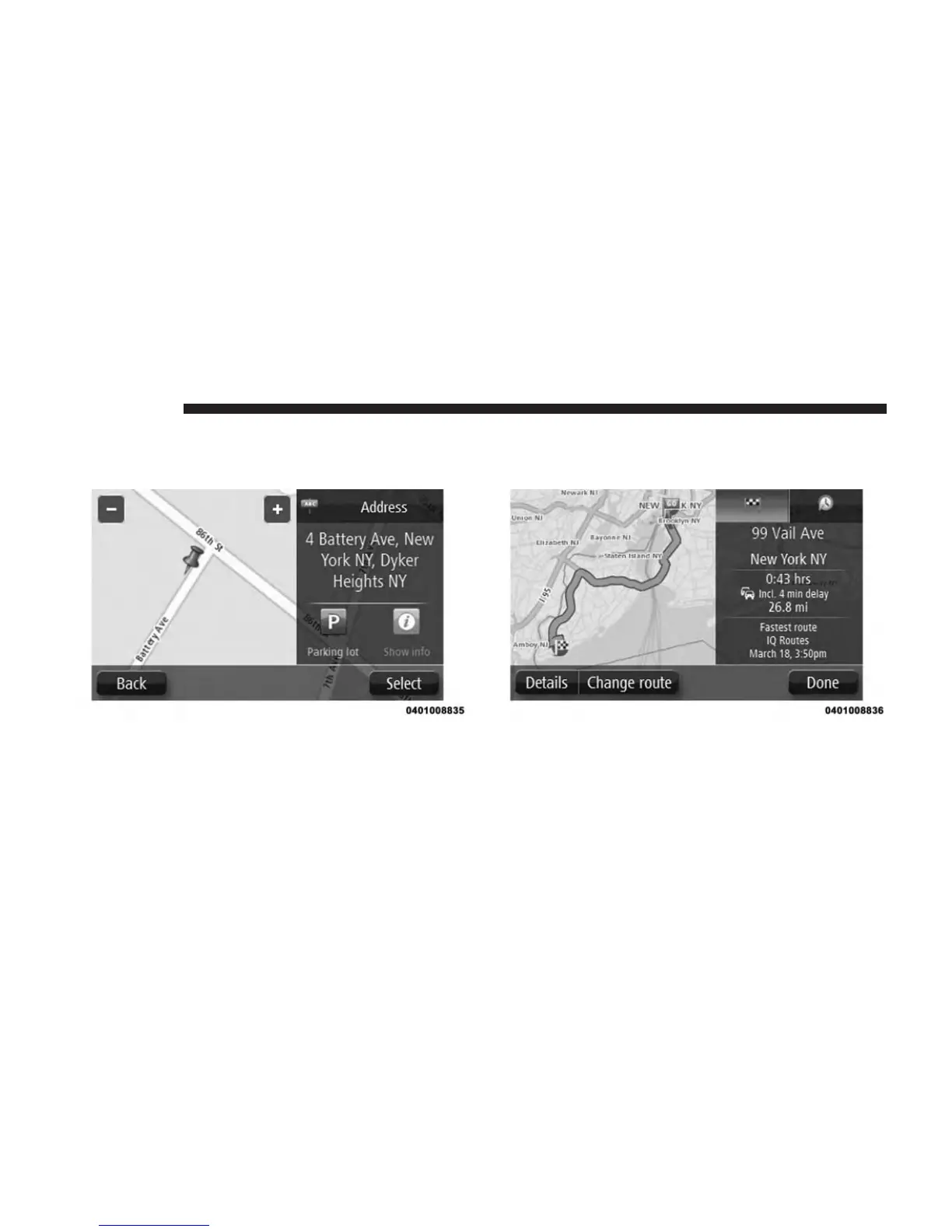
If you want your final destination to be a parking
lot, press the “Parking lot” button and select a location from
the list of parking lots close to your general destination.
8. When the new route is shown, press the “Done”
button.
For more information about the route, press the “De-
tails” buttons.
To change your route, for example, to travel via a
particular location or to select a new destination, press
the “Change route” button.
You are guided to your destination using spoken
instructions and on-screen directions.
58 NAVIGATION



 To Next Page