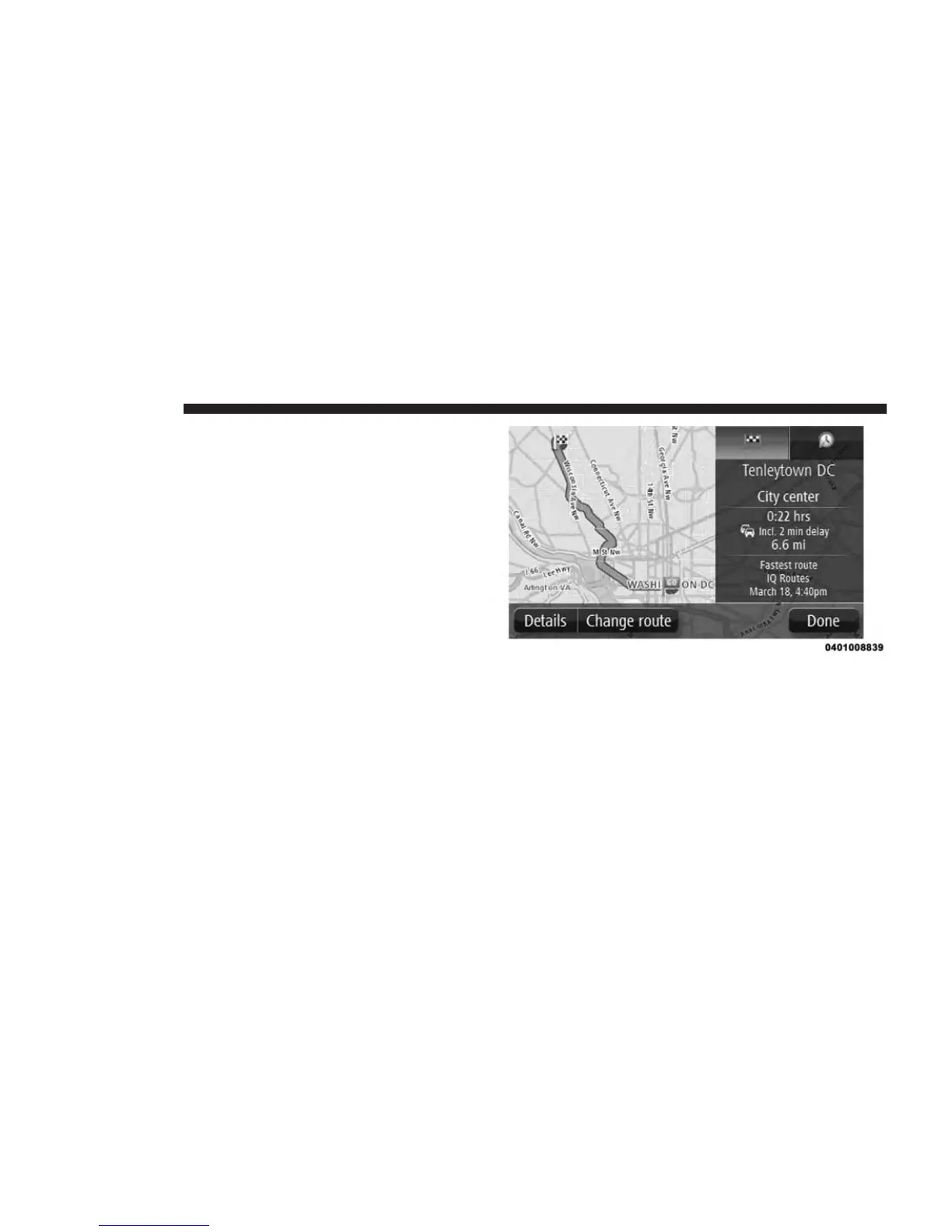
Route Summary
The route summary shows an overview of your route, the
remaining distance to your destination and the remain-
ing estimated journey time.
To view the route summary, push the right-hand panel on
the status bar in the Driving view or press the “View
route” button in the Main Menu and then press the
“Show route summary” button.
Selecting A Route Type
Every time you plan a route, you can choose to be asked
about the type of route you want to plan.
To do this, push the “Settings” button followed by the
“Route planning,” then “Route types.” Press “Ask me
every time I plan.”
60 NAVIGATION



 To Next Page