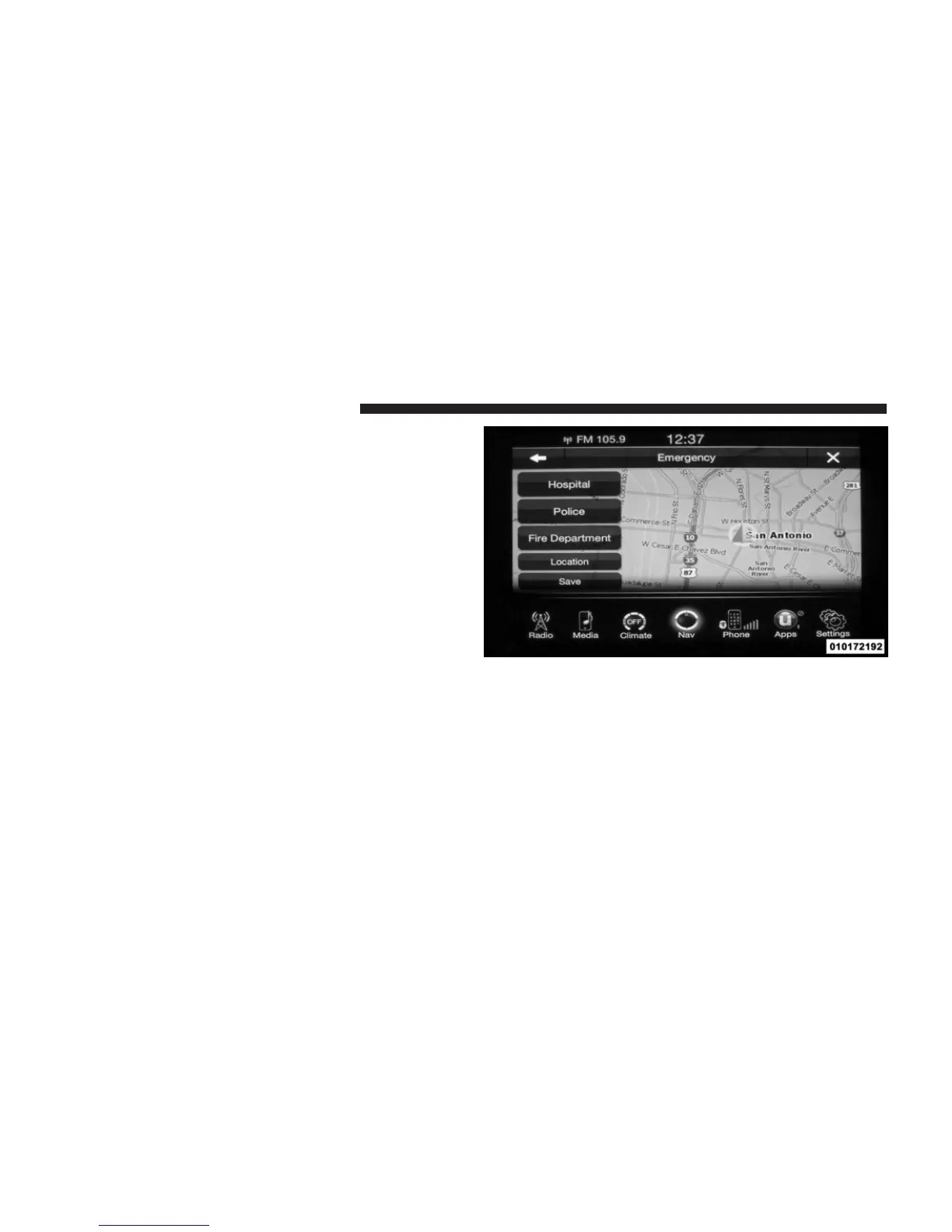
• Fire Department – Search and route a Fire Department
close to your current location
Touch the Location soft-key to display your exact current
location.
Touch the Save soft-key to save your current location in
Favorites.
NOTE: You can touch the back arrow soft-key to return
to the previous screen or the X soft-key to exit.
Emergency – Hospital
To search for a Hospital close to your current location,
touch Emergency from the Nav Main Menu and then
touch the Hospital soft-key.
You can search for a Hospital by the following categories,
which are soft-key tabs at the top of the screen.
• Name
148 Uconnect™ ACCESS USER’S MANUAL



 To Next Page