• Distance
• ABC (Search)
NOTE: In case of emergency, please contact the facility
to verify their availability before proceeding.
Touch the desired Hospital and touch Yes to confirm the
destination.
NOTE:
• If you are currently on a route guidance and you select
a Hospital the system will ask you to choose one of the
following
• Cancel previous route
• Add as first destination
• Add as last destination
• You can touch the back arrow soft-key to return to the
previous screen or the X soft-key to exit.
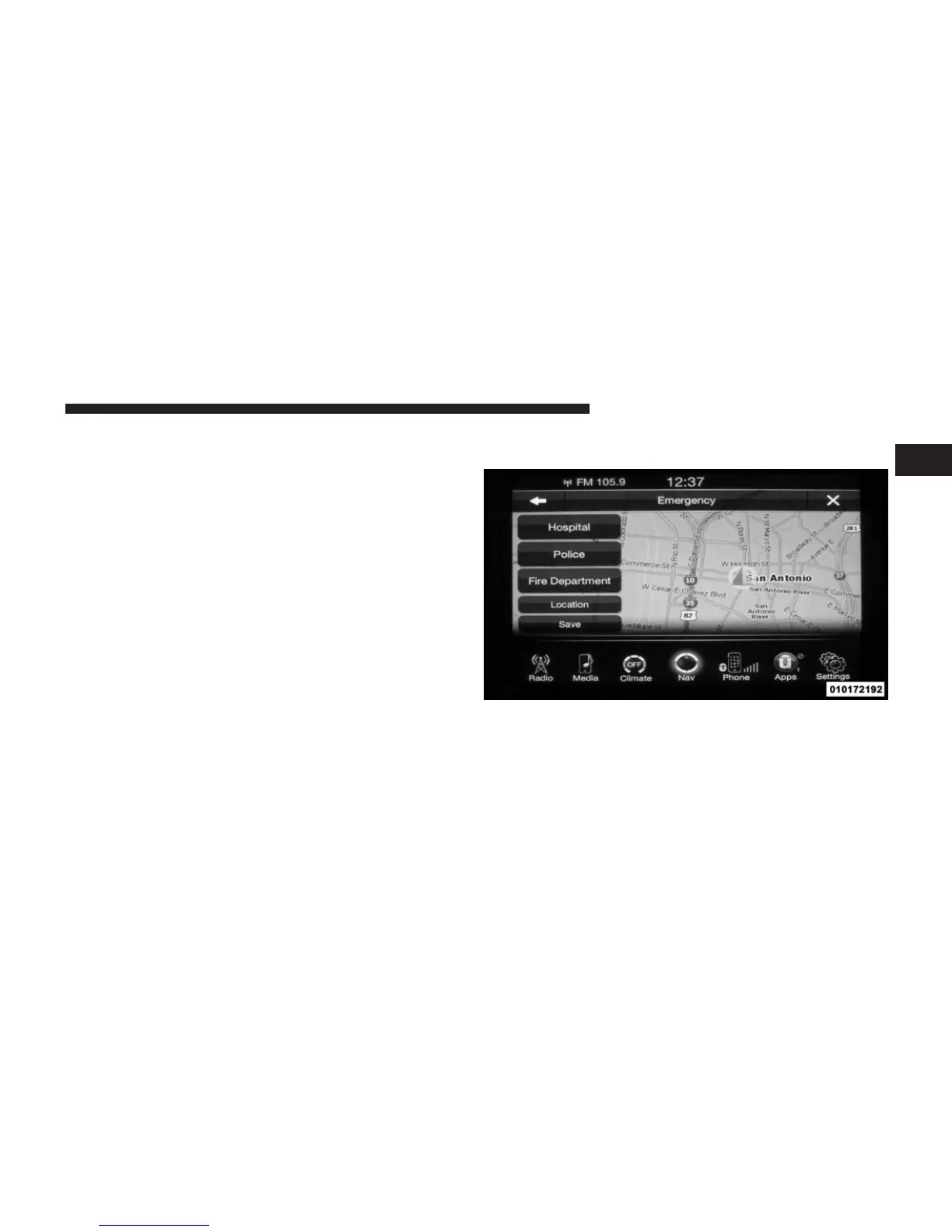
Emergency – Police
To search for a Police Station close to your current
location, touch Emergency from the Nav Main Menu and
then touch the Police Station soft-key.
1
Uconnect™ ACCESS USER’S MANUAL 149



 To Next Page