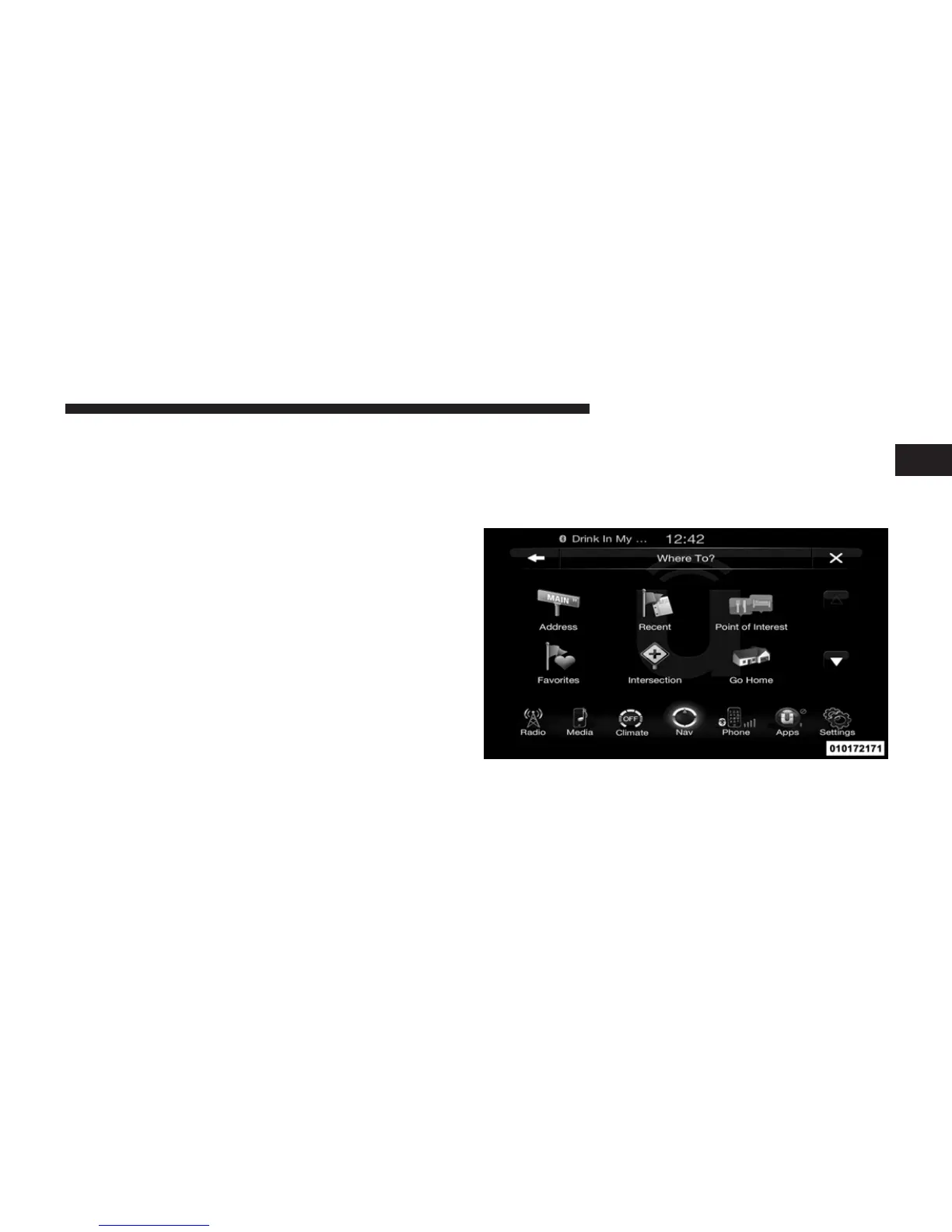
To save a favorite destination, touch the Add Favorite
soft-key and follow the steps to route a destination.
To display the options for a favorite destination touch the
Options soft-key that looks like a gear.
The following Options are available for each favorite
destination:
• Edit Name
• Add Phone Number
NOTE: If you are currently on a route guidance and you
select a Favorite, the system will ask you to choose one of
the following
• Cancel previous route
• Add as first destination
• Add as last destination
You can touch the back arrow soft-key to return to the
previous screen or the X soft-key to exit.
Where To? – Intersection
To enter a destination by Intersection, follow these steps:
1. While in the Nav Main Menu, touch the Where To?
soft-key and then touch the Intersection soft-key.
1
Uconnect™ ACCESS USER’S MANUAL 235



 To Next Page