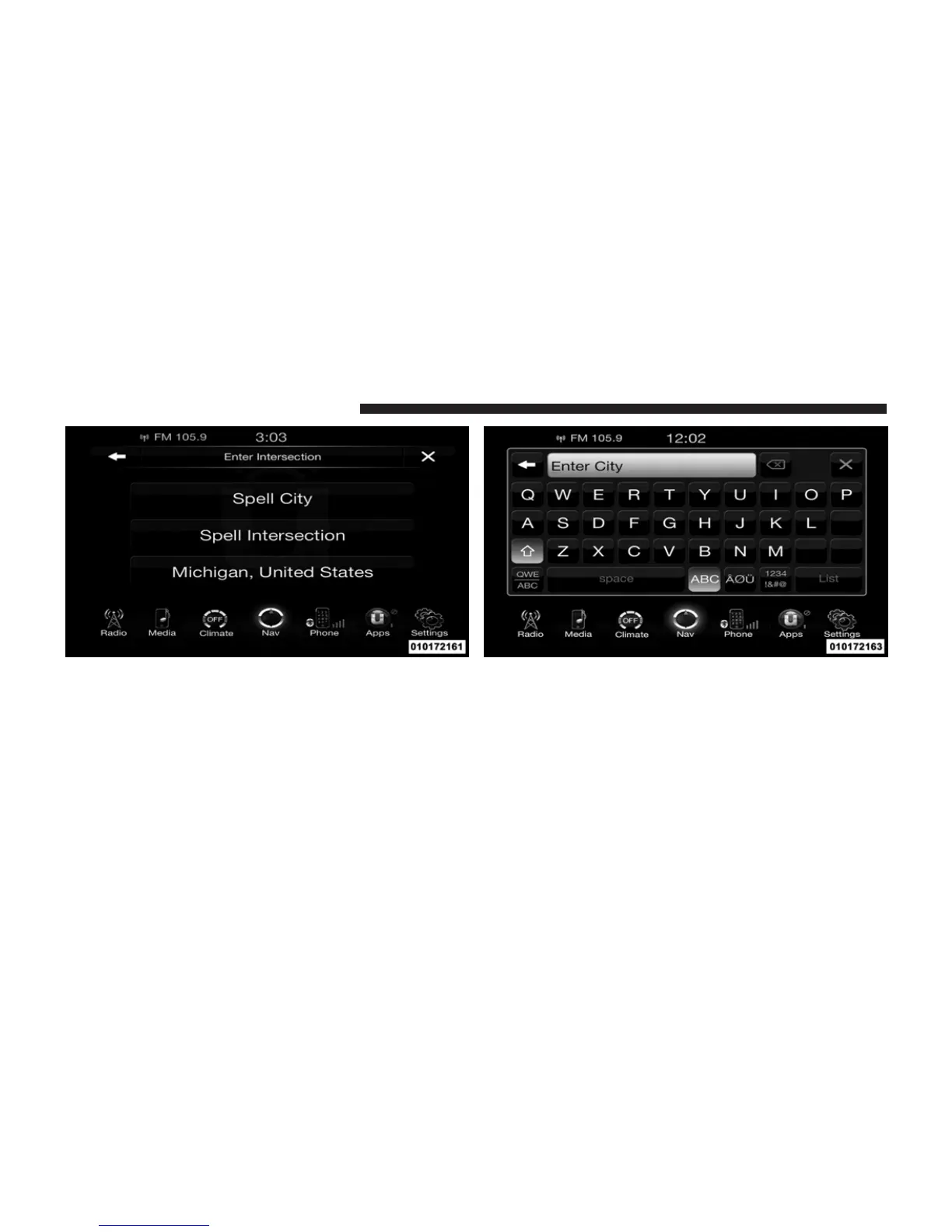
This menu shows the default country and state setting.
NOTE: To change the state and/or country, touch the
state, country soft-key and follow the prompts to change
the state and/or country.
2. This menu shows the default country and state set-
tings.
If you touch Spell City, you will have to enter and
select/touch the desired city name, followed by the
desired street name and lastly you will have to enter
the intersection street.
If you touch Spell Street, you will have to enter and
236 Uconnect™ ACCESS USER’S MANUAL



 To Next Page