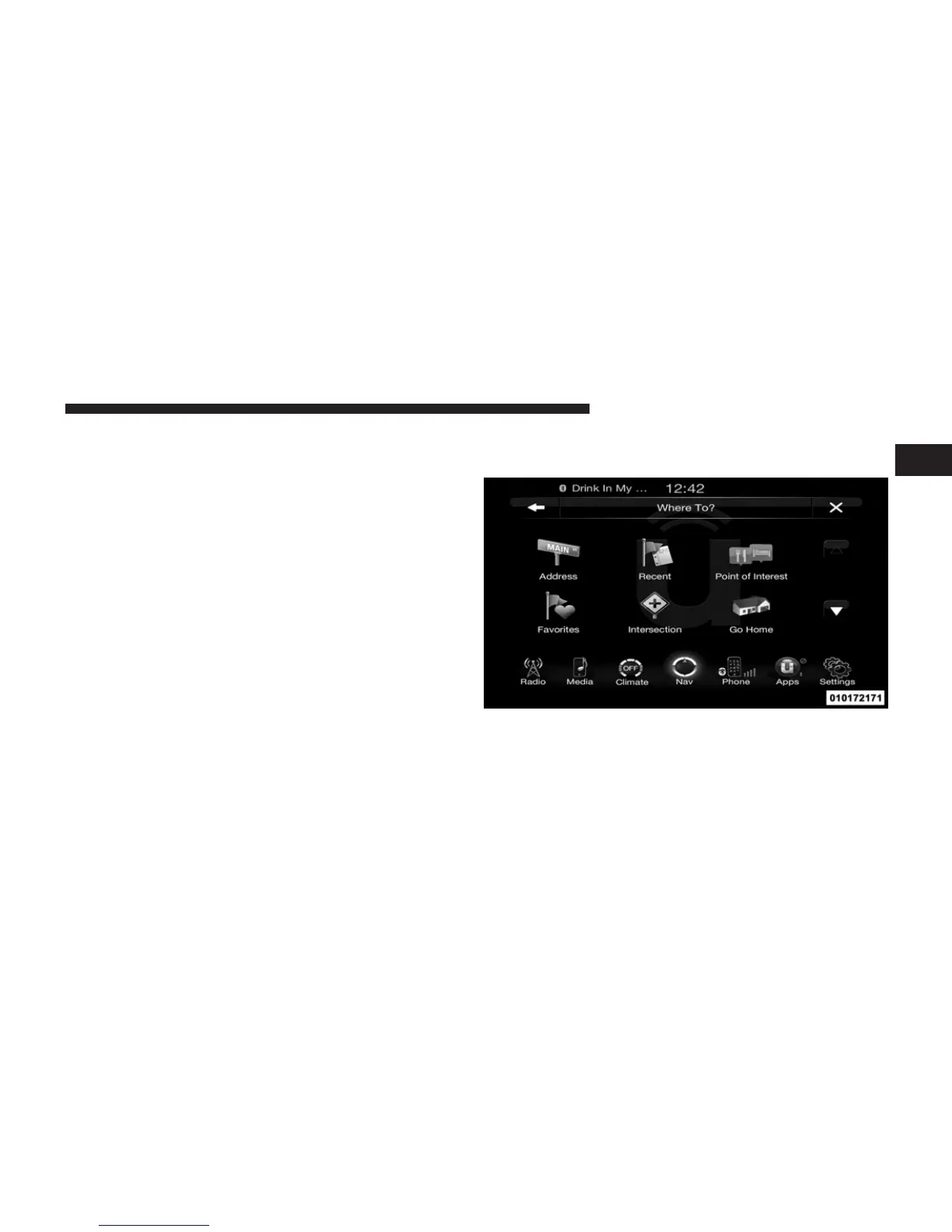
select/touch the desired street name in the correct city
and then you will have to enter the intersecting street.
3. Once the correct City and Intersection has been en-
tered, you will be asked to confirm your destination.
4. Touch the Yes soft-key to confirm your destination and
begin your route.
NOTE: If you are currently on a route guidance and you
select a Intersection, the system will ask you to choose
one of the following:
• Cancel previous route
• Add as first destination
• Add as last destination
You can touch the back arrow soft-key to return to the
previous screen or the X soft-key to exit.
Where To? – Go Home
To enter your Home Address, follow these steps:
1. While in the Nav Main Menu, touch the Where To?
soft-key and then touch the Go Home soft-key. If there
is no Home Address entered, touch Yes to enter it now.
1
Uconnect™ ACCESS USER’S MANUAL 237



 To Next Page