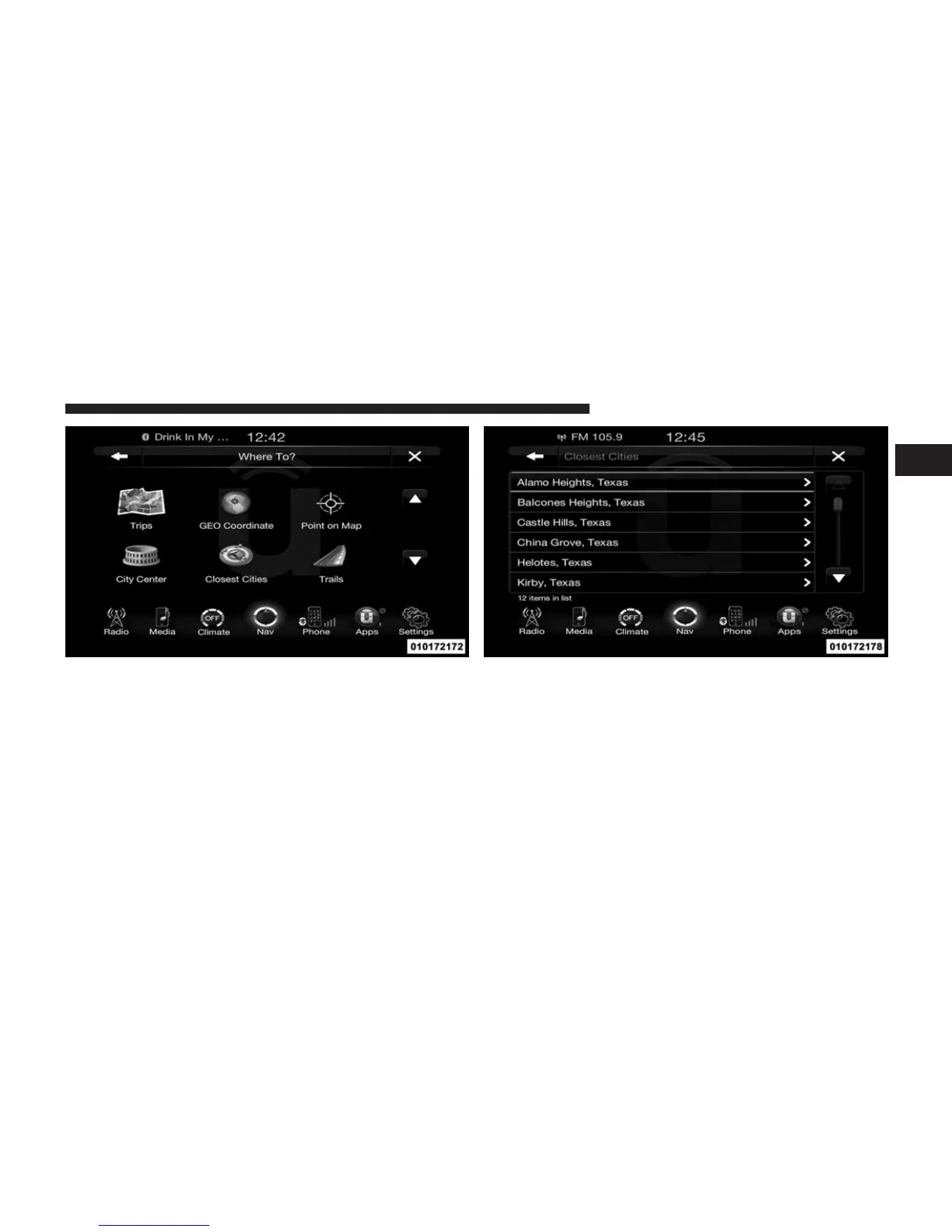
To enter a destination by Closest City, touch Where To? in
the Nav Main Menu and then touch the Closest City
soft-key.
1. Touch the desired city from the list.
2. Touch the Yes soft-key to confirm your destination and
begin your route.
NOTE: If you are currently on a route guidance and you
select a Closest City, the system will ask you to choose
one of the following:
1
Uconnect™ ACCESS USER’S MANUAL 245



 To Next Page