• Cancel previous route
• Add as first destination
• Add as last destination
You can touch the back arrow soft-key to return to the
previous screen or the X soft-key to exit.
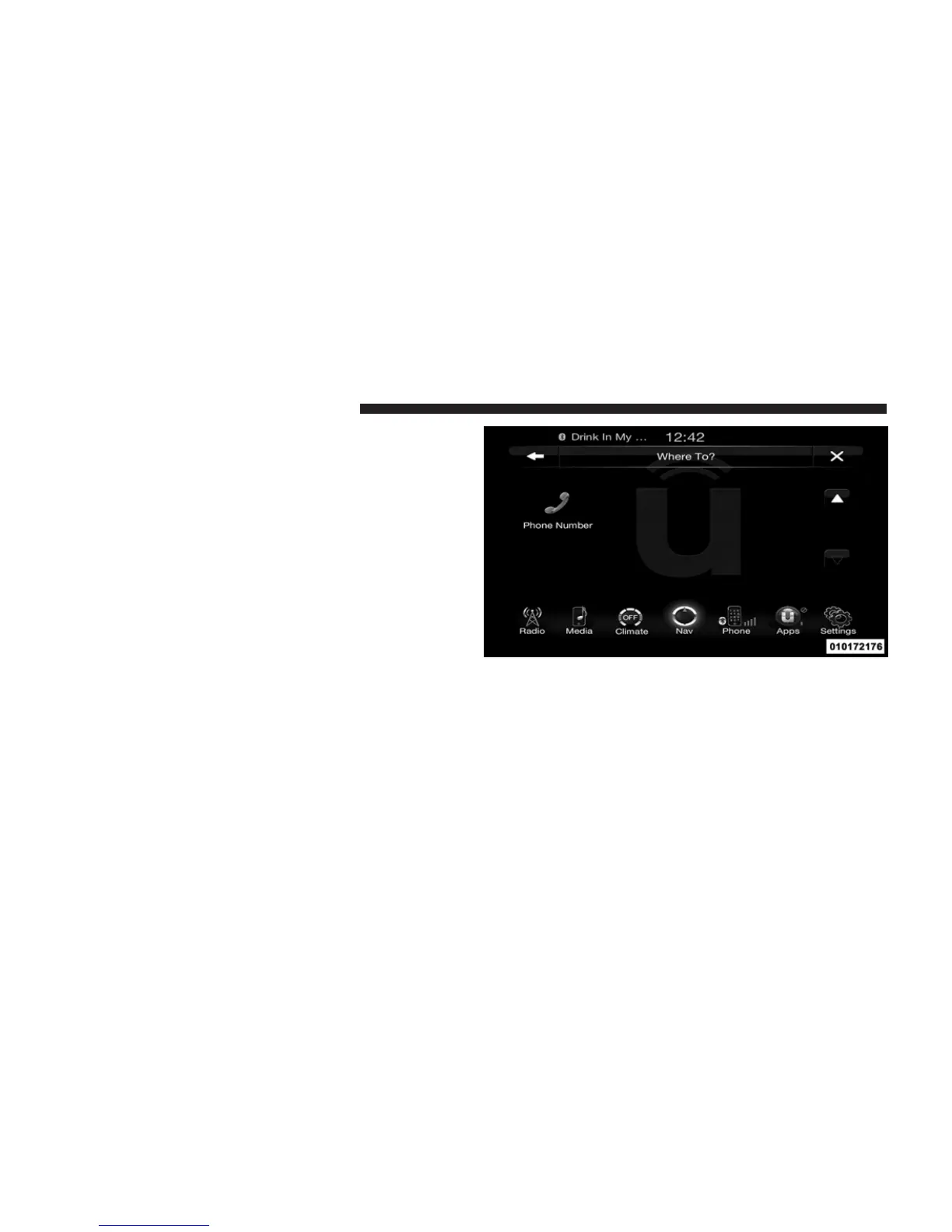
Where To? – Phone
To enter a destination by Phone number, touch Where To?
in the Nav Main Menu and then touch the Phone
Number soft-key.
1. Enter the Phone Number of the destination you would
like to route to.
2. Touch the desired destination from the list.
246 Uconnect™ ACCESS USER’S MANUAL



 To Next Page