VLS Service Manual - REV2015.04
Table of Contents
Accessories
Page | 82
7. Prior to installing the tailstock cover slide the tailstock into the rotary base and test the clamp. If the
clamp performs correctly complete the installation. If the clamp does not apply sufficient pressure to
stop the tailstock from moving, remove the tailstock from the rotary base.
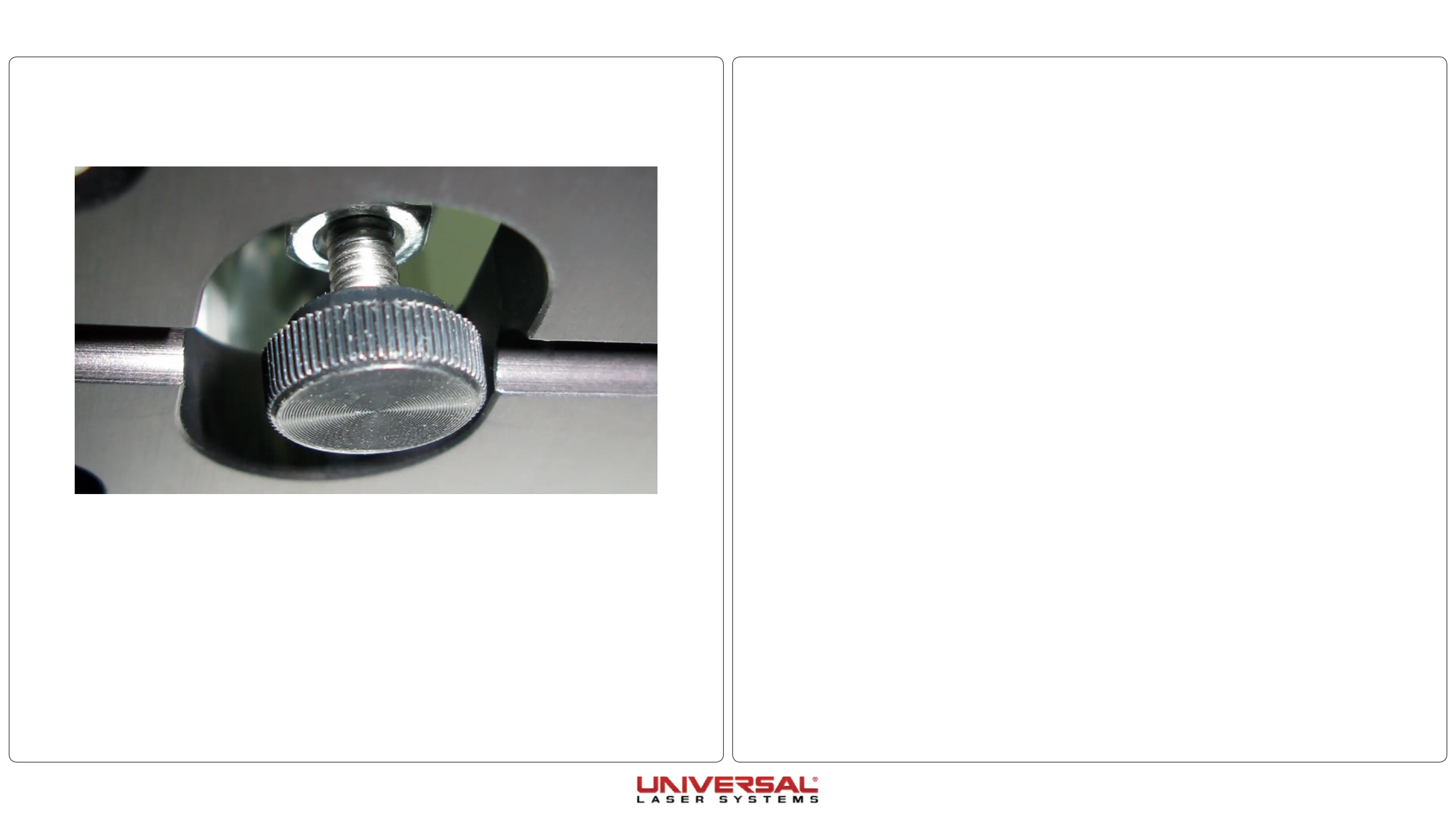
8. Slightly unscrew the clamp stopping mechanism to elongate the shaft and repeat Step 7 until the clamp
performs correctly.
9. Install the tailstock cover using the 4 screws from step 4.
10. Attach the serial tag plate from step 2.



 To Previous Page