GB
17
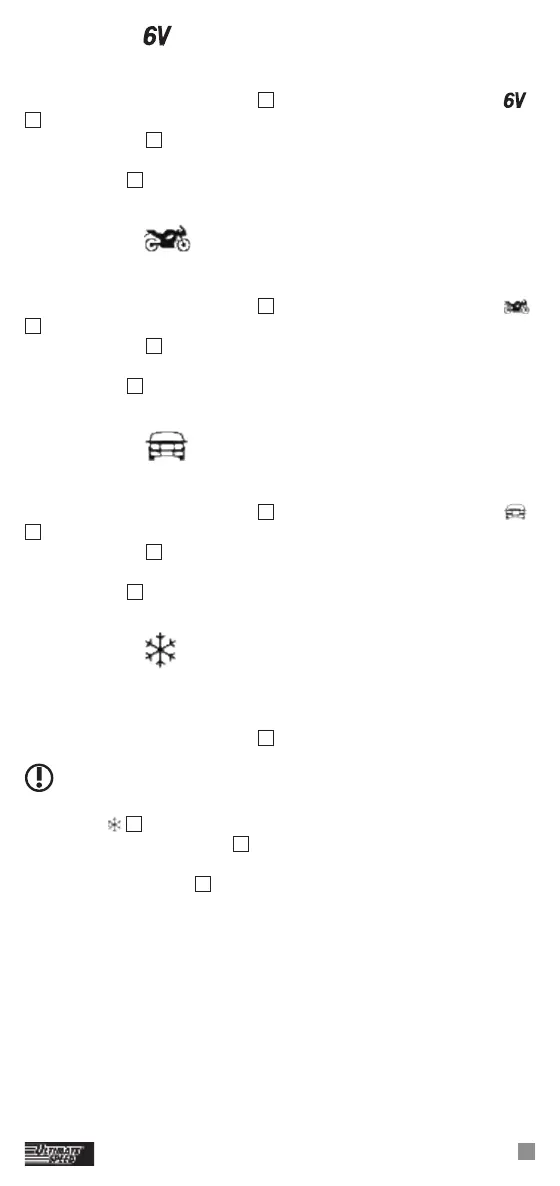
Program 1 , “6 V”, (7.3 V / 0.8 A)
To charge 6 V batteries with a capacity less than 14 Ah:
Press the program selector button
11
to select Program 1. The symbol
7
is shown in the LED display. During the charging process, the
charging display
8
flashes and shows how far the charging process has
progressed (1–4 bars). When the battery is fully charged, the status
display shows
9
4 bars. The flashing stops and the device switches to
trickle charging automatically.
Program 2
, “12 V”, (14.4 V / 0.8 A)
To charge 12 V batteries with a capacity less than 14 Ah:
Press the program selector button
11
to select Program 2. The symbol
4
is shown in the LED display. During the charging process, the
charging display
8
flashes and shows how far the charging process has
progressed (1–4 bars). When the battery is fully charged, the status
display shows
9
4 bars. The flashing stops and the device switches to
trickle charging automatically.
Program 3
, “12 V”, (14.4 V / 5.0 A)
To charge 12 V batteries with a capacity of 14 Ah – 120 Ah:
Press the program selector button
11
to select Program 3. The symbol
5
is shown in the LED display. During the charging process, the
charging display
8
flashes and shows how far the charging process has
progressed (1–4 bars). When the battery is fully charged, the status
display shows
9
4 bars. The flashing stops and the device switches to
trickle charging automatically.
Program 4
, “12 V”, (14.7 V / 5.0 A)
To charge 12 V batteries with a capacity of 14 Ah – 120 Ah under cold
conditions or to charge AGM batteries.
Press the program selector button
11
to select Program 4.
PLEASE NOTE:
This program starts, with a slight time delay if necessary.
The symbol
6
is shown in the LED display. During the charging
process, the charging display
8
flashes and shows how far the charging
process has progressed (1–4 bars). When the battery is fully charged,
the status display shows
9
4 bars. The flashing stops and the device
switches to trickle charging automatically.
Trickle charging
As described in “Selecting programs”, the device has an automatic
trickle charging procedure. Depending on the drop in voltage in the
battery– through self-discharge – the charger reacts with different levels
of charging current. The battery can remain connected to the charger
over a longer period of time. If the battery voltage decreases too much,
then a new charging process will start.


 To Next Page