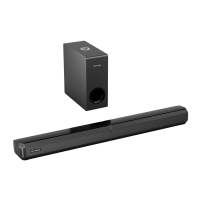
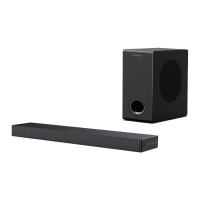
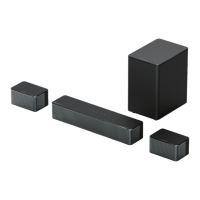
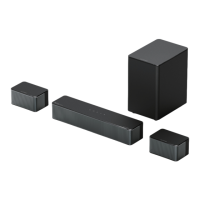
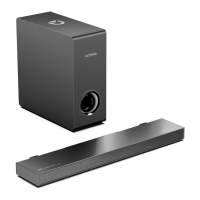
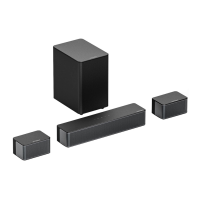
Apollo S40
Model No.: U3300
Prefer video tutorial?
WE ARE
READY
TO HELP
support@ultimea.com
support.ultimea.com
+1 888-598-8875 (US) Mon-Fri 9am-5pm (PST)
+49 89-628-25828 (EU) Mon-Fri 9am-5pm (CET)
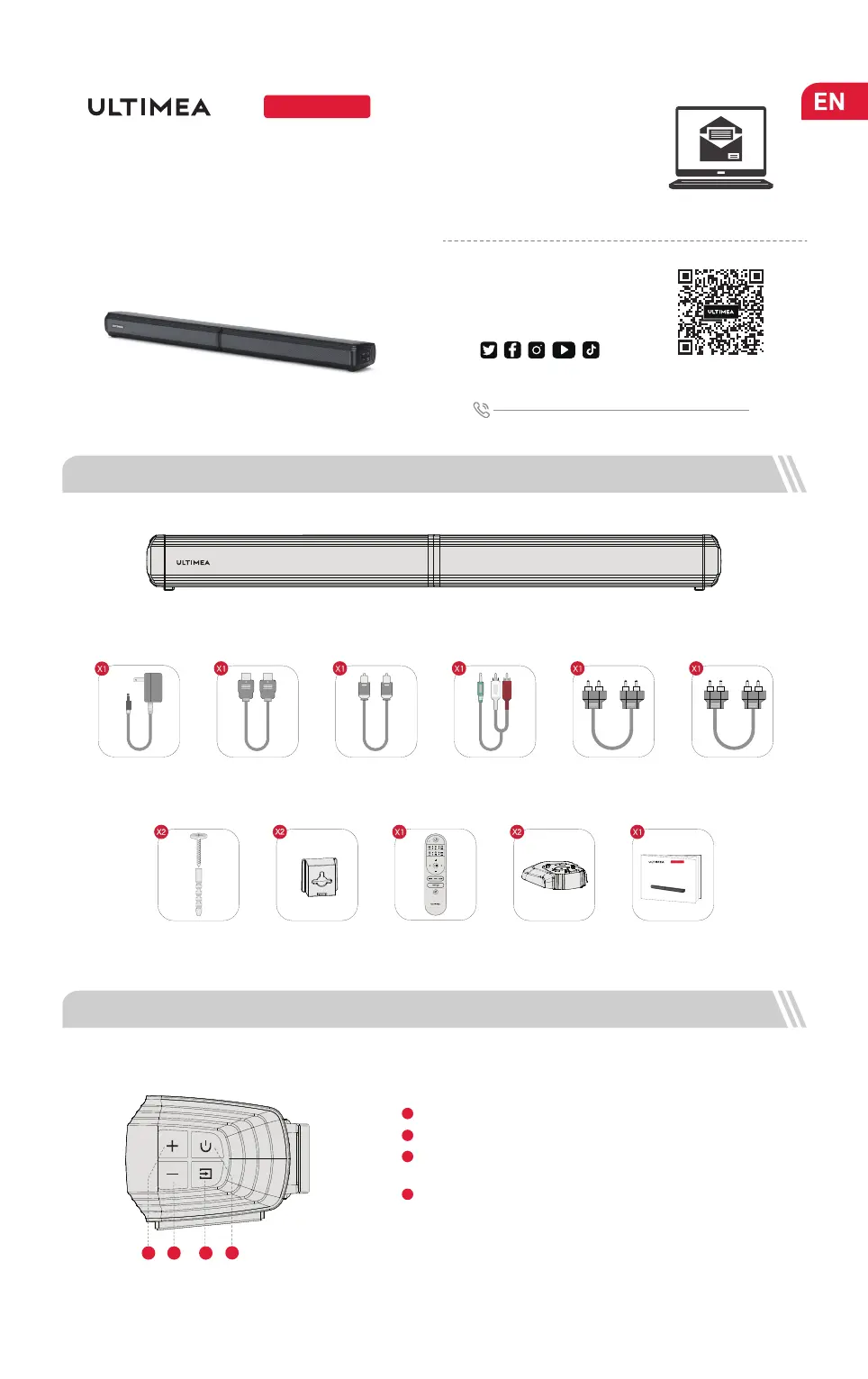
1 ACCESSORIES LIST
Setup guidance video, USER
MANUAL or Trouble Shooting
on ULTIMEA website.
2 SOUNDBAR CONTROLS
User Manual
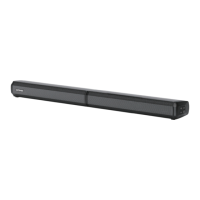
Soundbar
01
SOURCE:
Control Panel
VOL+: Volume Up.1
VOL-: Volume Down.
2
3
Power Button:
Press to power on / Hold for 3 seconds to power off.
4
Power Adaptor Stereo RCA to 3.5mm
Audio Cable
HDMI ARC Stereo RCA to RCA
Audio Cable(2.5m)
Digital Optical Cable
User Manual
Stereo RCA to RCA
Audio Cable(100mm)
Base x2Remote ControlWall Bracket x2
@ultimea_official
Wall Mounting Kit x2
2 41
Press to switch channels: ARC-OPT(OPTICAL)-BT-AUX-USB.
Hold for 3 seconds to disconnect the current device and
connect to a new device manually on your mobile phone /
PC / TV (BT ID: Apollo S40)
Apollo S40
Model No.: U3600
User Manual
3


 To Next Page