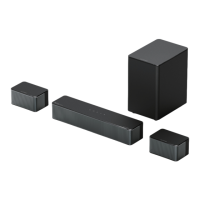
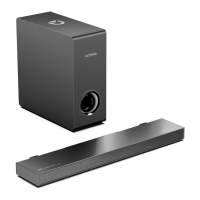
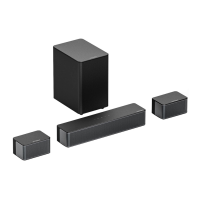
“ ”:
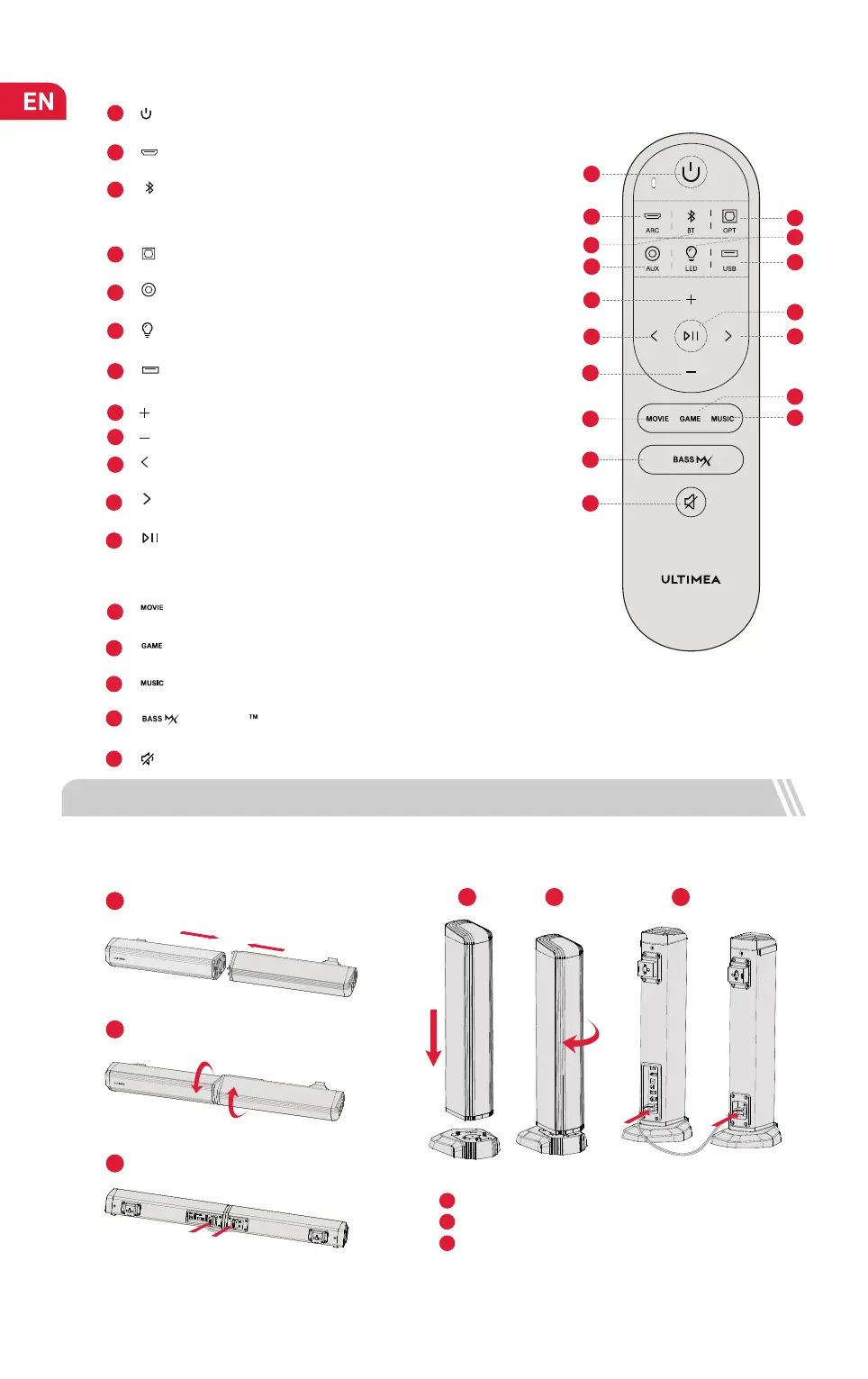
“ ”: MUSIC
02
3
“ ”: BT
9
“ ”: Volume Up
“ ”: Volume Down
15
16
Press to adjust bass level, the display will show: “bS-1”, “bS 0”, “bS 1”.
“ ”: BASSMX
17
“ ”: Mute / Recover the volume.
Remote Control
1
Press to power on / Hold for 3 seconds to power off.
“ ”
:
Power Button
“ ”
:
ARC
Press to switch to HDMI ARC channel.
2
10
For BT and USB mode only: Skip to previous track.
“ ”: Previous
11
For BT and USB mode only: Skip to next track.
“ ”: Next
“ ”: MOVIE
5
Press to switch to OPTICAL channel.
4
“ ”: OPT
Press to switch to AUX channel.
“ ”: AUX
Press to turn off LED, press again to turn on.
6
“ ”: LED
8
12
“ ”: Play / Pause
For BT and USB mode only.
USB mode: Hold for 3 seconds to switch between single loop playback
and list loop playback
16
14
1
2
3
8
5
10
9
13
17
12
7
6
4
11
15
14
Press to switch to Bluetooth channel and enter pairing mode.
Hold for 3 seconds to disconnect current device and connect to a new
device manually on your mobile phone / PC / TV (BT ID: Apollo S40).
1
1
2
2
3
3
1
2
3
13
Press to switch to MOVIE mode, the display will show: “Eq 1”.
3 SOUNDBAR INSTALLATION
Press to switch to USB channel.
7
USB
“ ”: GAME
Press to switch to GAME mode, the display will show: “Eq 2”.
Press to switch to MUSIC mode, the display will show: “Eq 3”.
Assembly steps: Detached and stand on base:
Align the joints of the two parts.
Twist to connect.
Plug in the Stereo RCA to RCA Audio Cable.
Set the soundbar on the base and align the joints.
Twist to connect with the base.
Plug in the Stereo RCA to RCA Audio Cable.


 To Next Page