04
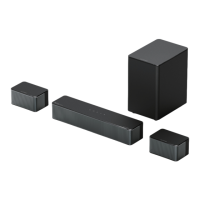
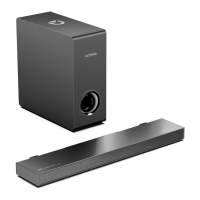
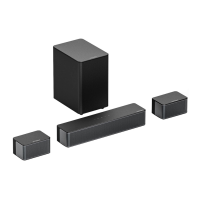
8 PLACEMENT OPTIONS
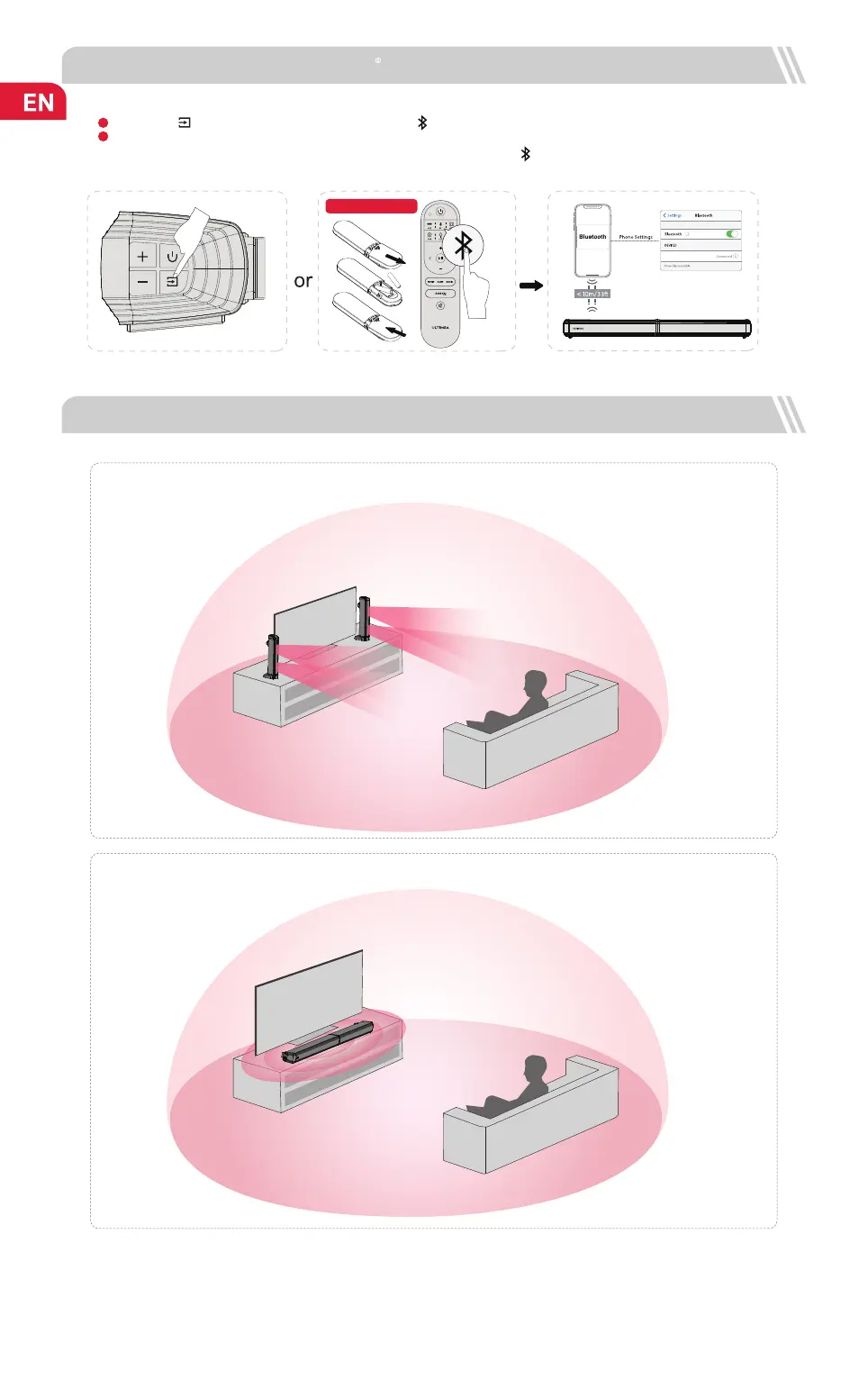
Detached and stand on base
Horizontal placement
Note: The soundbar should be placed at or near ear level.
Press the “ ” button on the soundbar or press the “ ” button on the remote control to enter Bluetooth pairing mode.
Go to the Bluetooth setting on your phone, nd and select “Apollo S40” to connect the soundbar.
Apollo S40
Batteries Not Included
1
2
Note: If it’s already in the Bluetooth mode and connected, press and hold “ ” button for 3 seconds to disconnect current
device and choose to connect to a new device manually on your mobile phone / PC / TV.
7 CONNECT TO BLUETOOTH


 To Next Page