Need help?
Do you have a question about the UMIDIGI A13 Pro 5G and is the answer not in the manual?
Controls device power and screen on/off.
Adjusts volume or mutes incoming calls.
Instructions for inserting a Nano-SIM card into the slot.
How to unlock the screen using the fingerprint ID function.
Guidelines for safe battery use, charging, and disposal.
 General
| Display Size | 6.5 inches |
|---|---|
| Resolution | 2400 x 1080 pixels |
| Display Type | IPS LCD |
| Processor | MediaTek Dimensity 700 |
| RAM | 8GB |
| Storage | 128GB |
| Battery Capacity | 5150mAh |
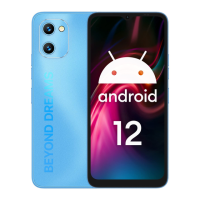
| Operating System | Android 12 |
| 5G Support | Yes |
| Weight | 200g |

 To Next Page